Built for How a Restoration Job Actually Runs
From the first call to the books, in the order the job happens. Screens below are from the product with sample data.
1 First Call
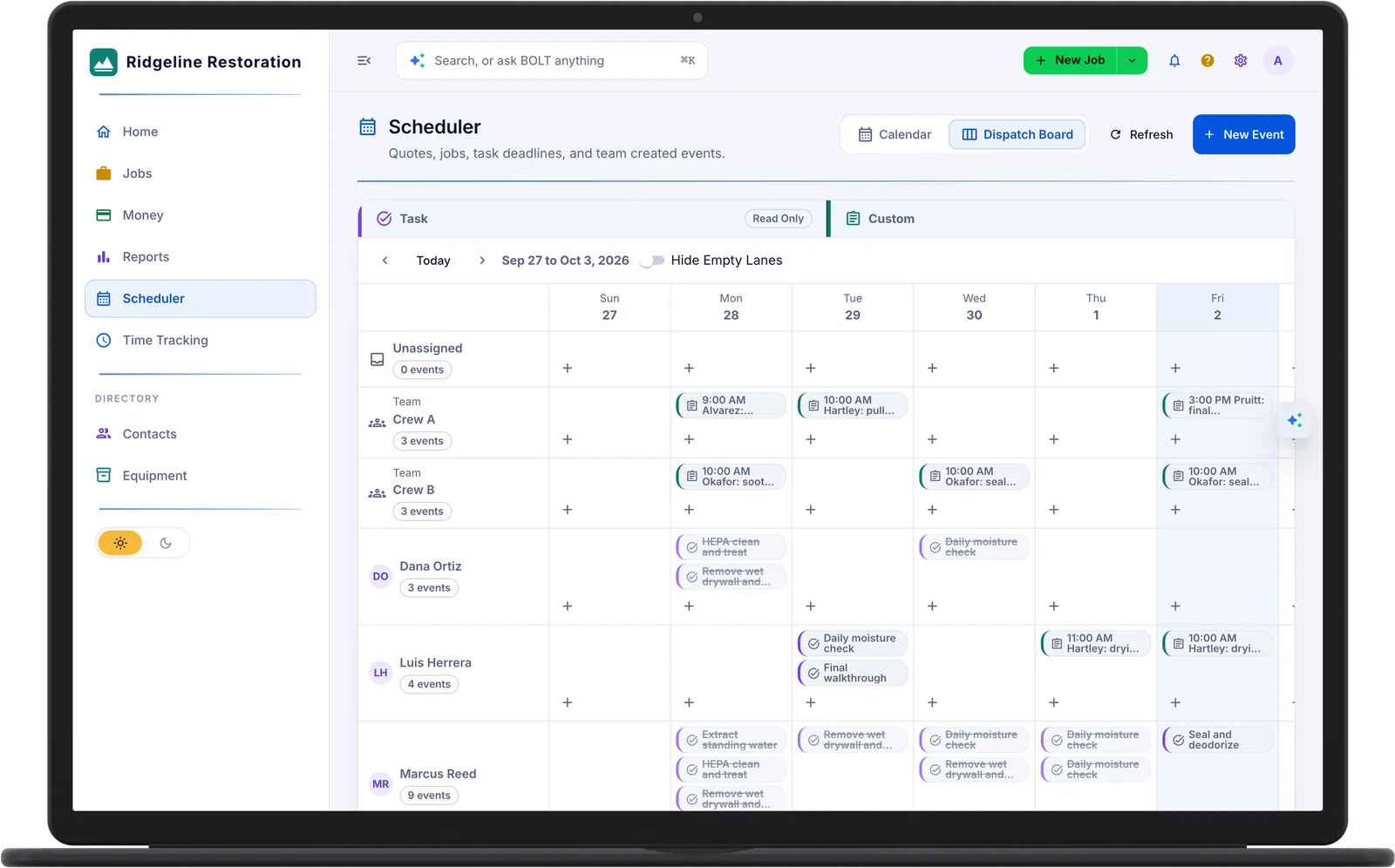
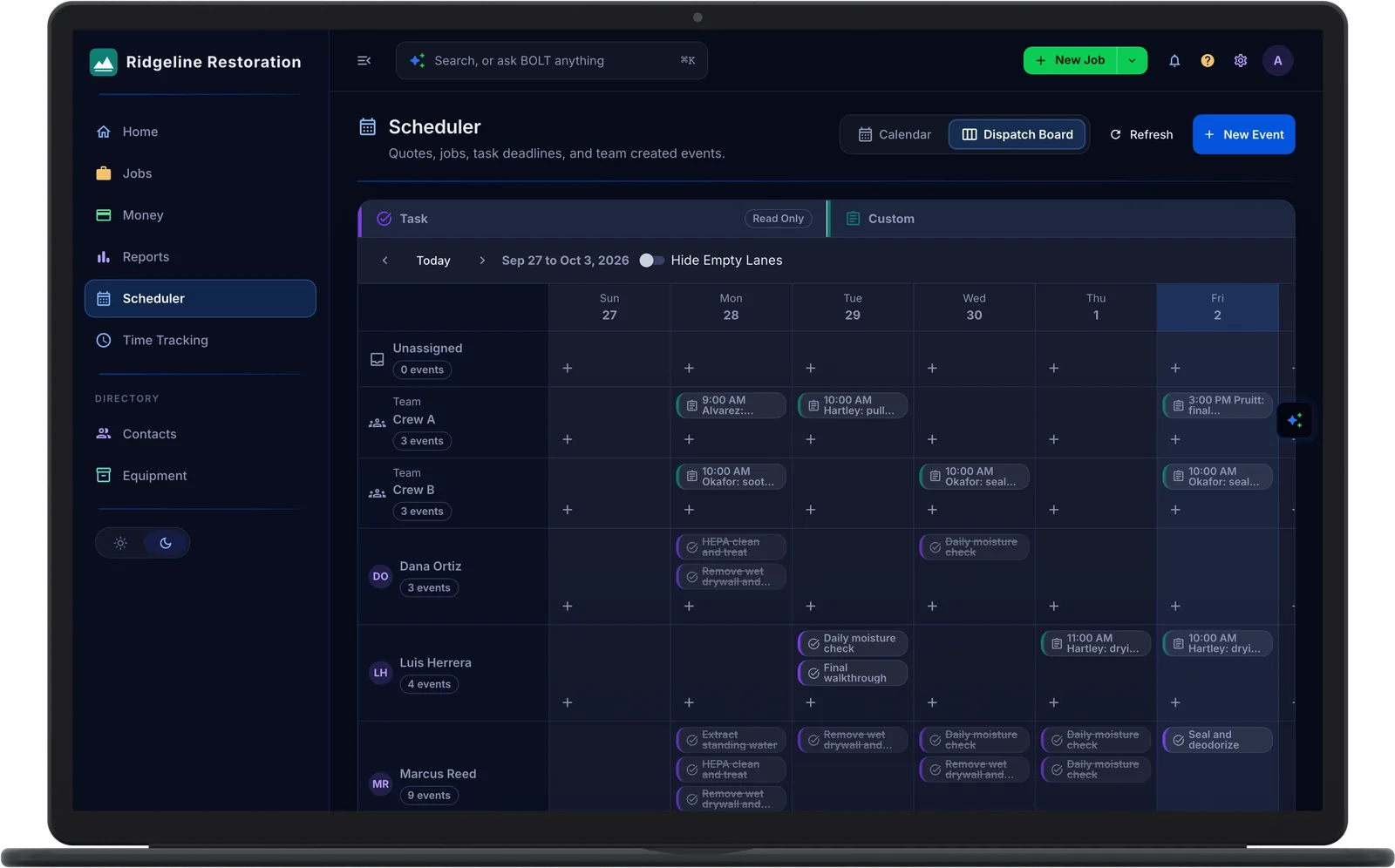
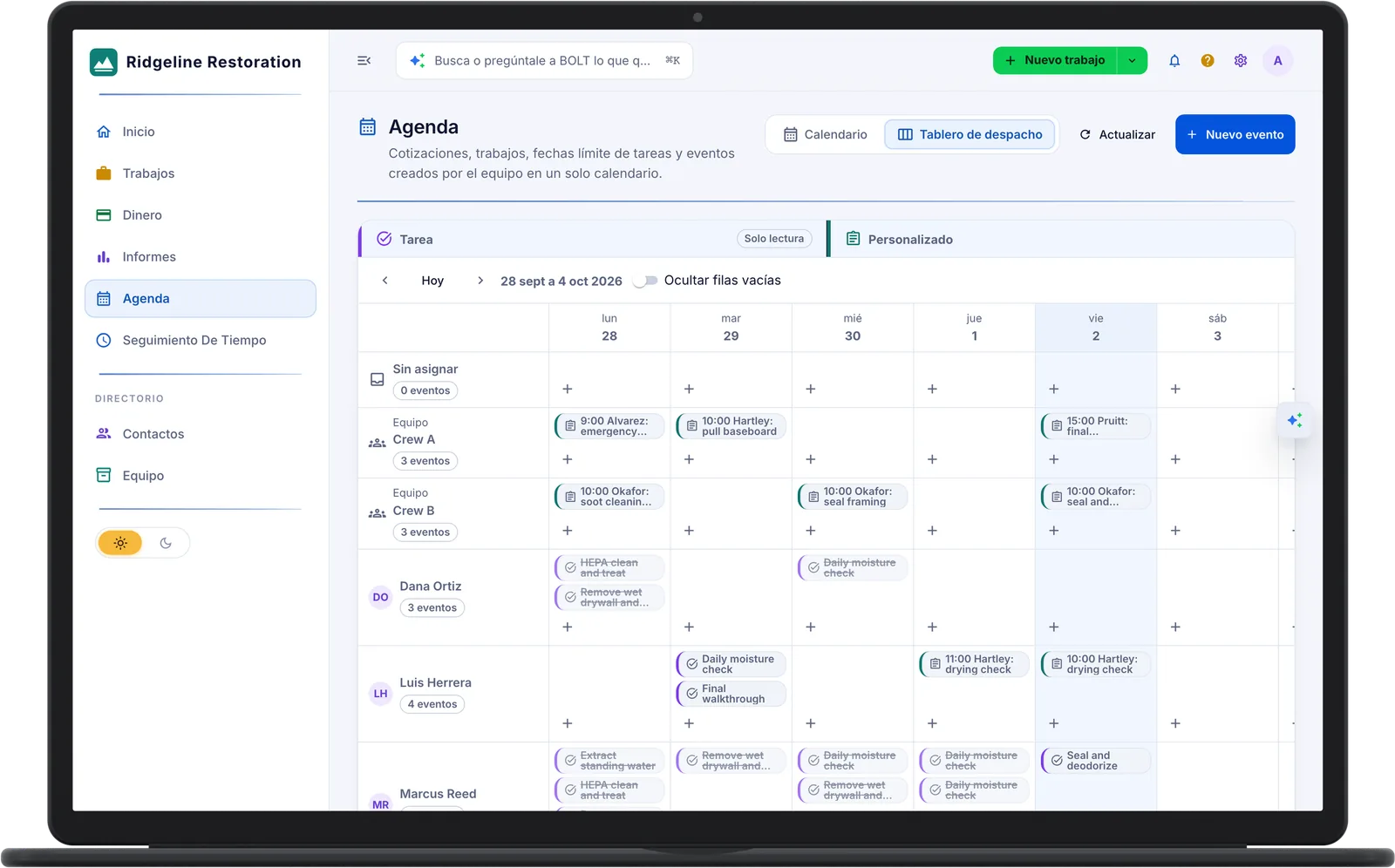
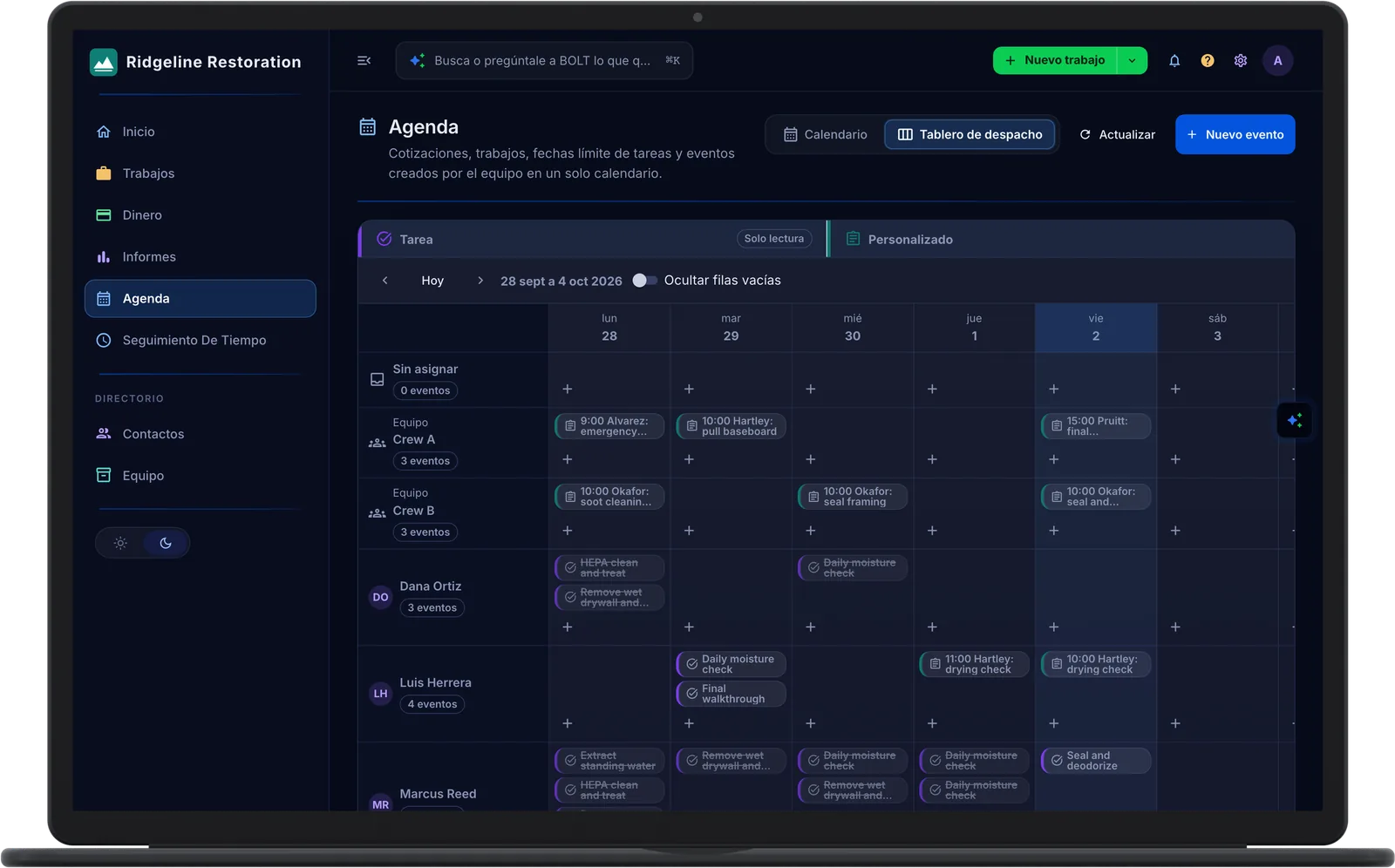
Quote It, Schedule It, Dispatch It
Line-item quotes go out as a link. The customer accepts or declines online.
- Quotes That Become Jobs. Accept or decline online.
- Dispatch Board. A lane per crew and tech. Every tech sees their day on the phone.
- Customer Portal. Homeowners check status from a private link instead of calling the office.
2 On Site
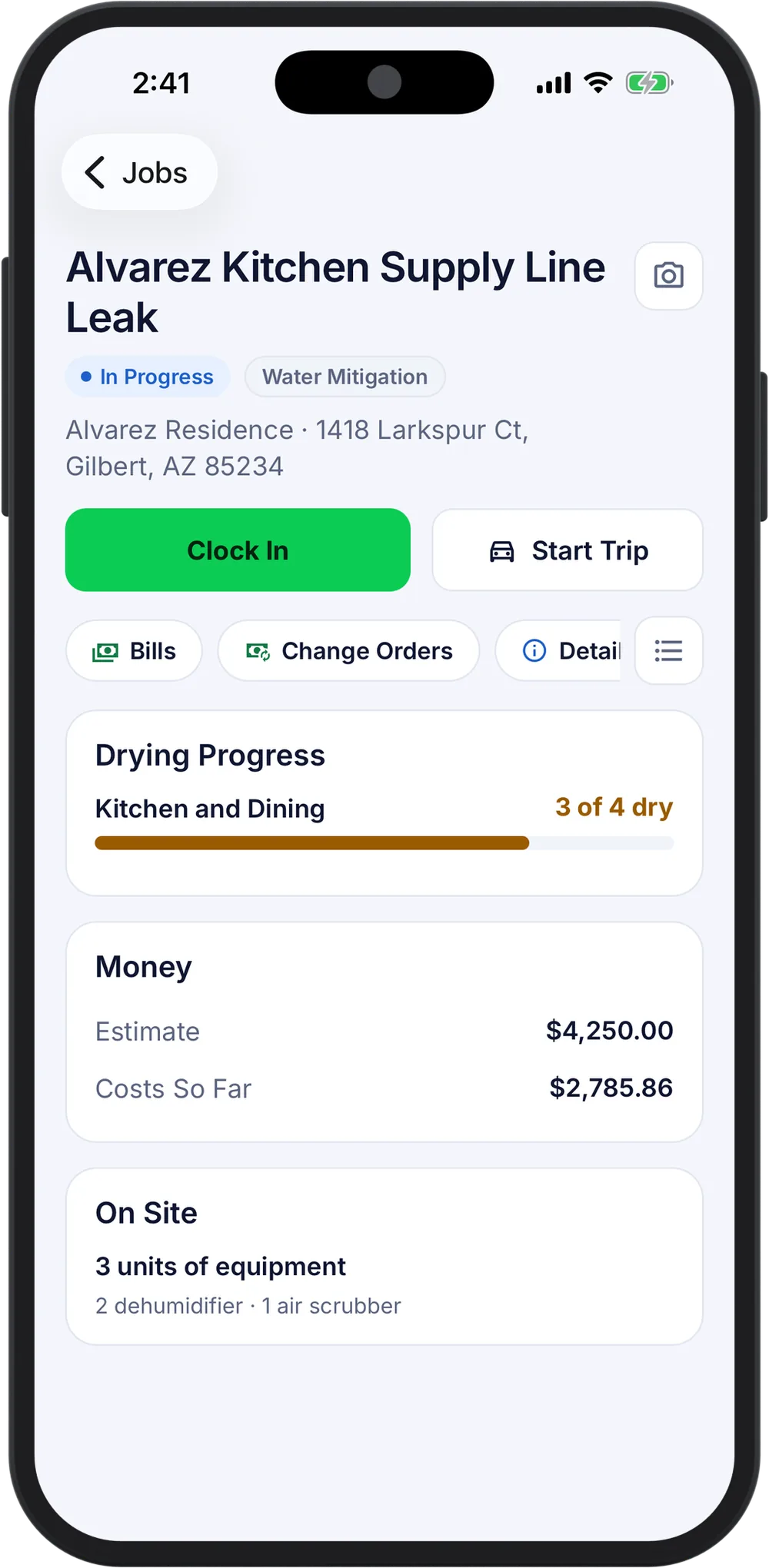
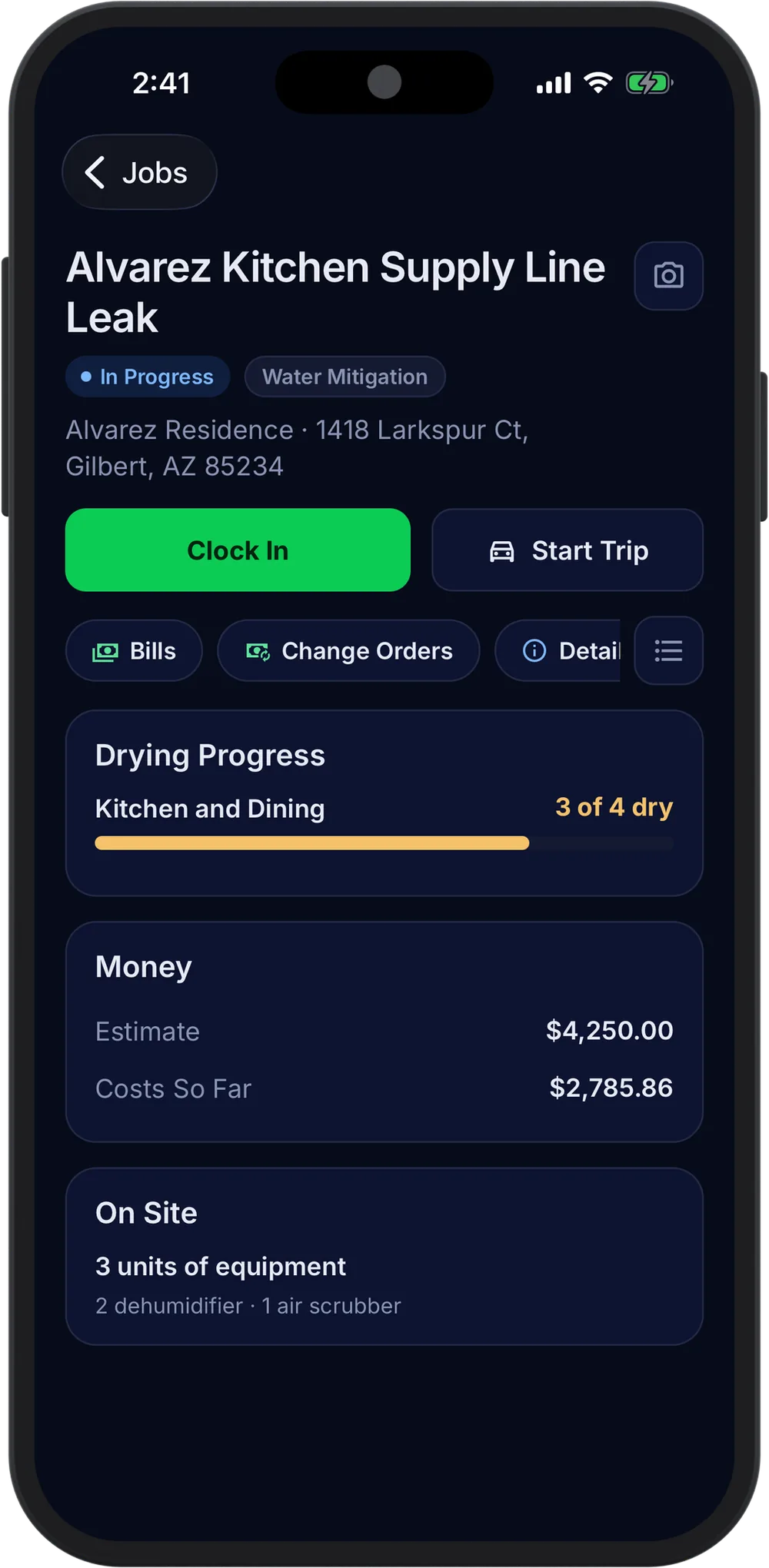
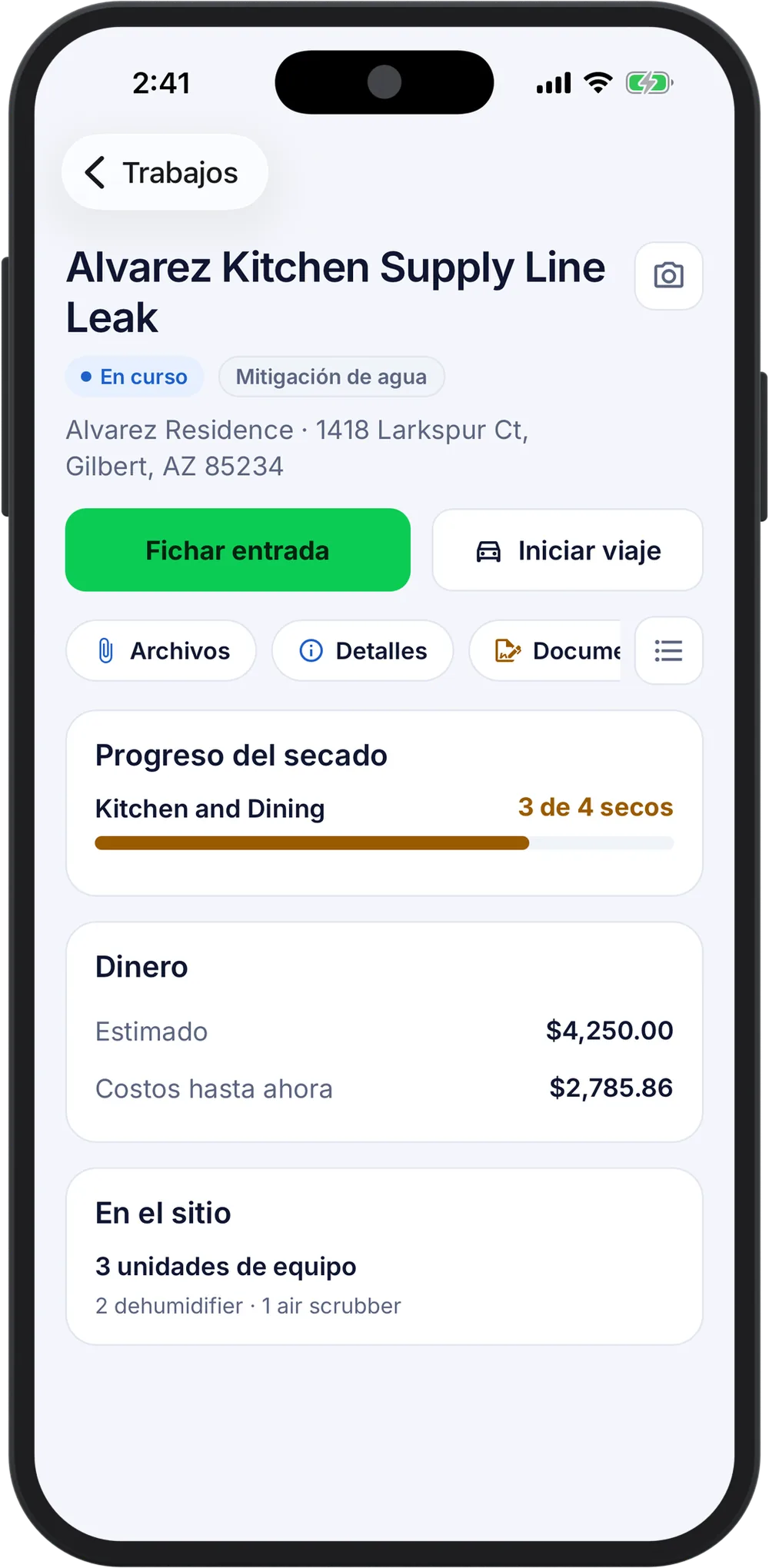
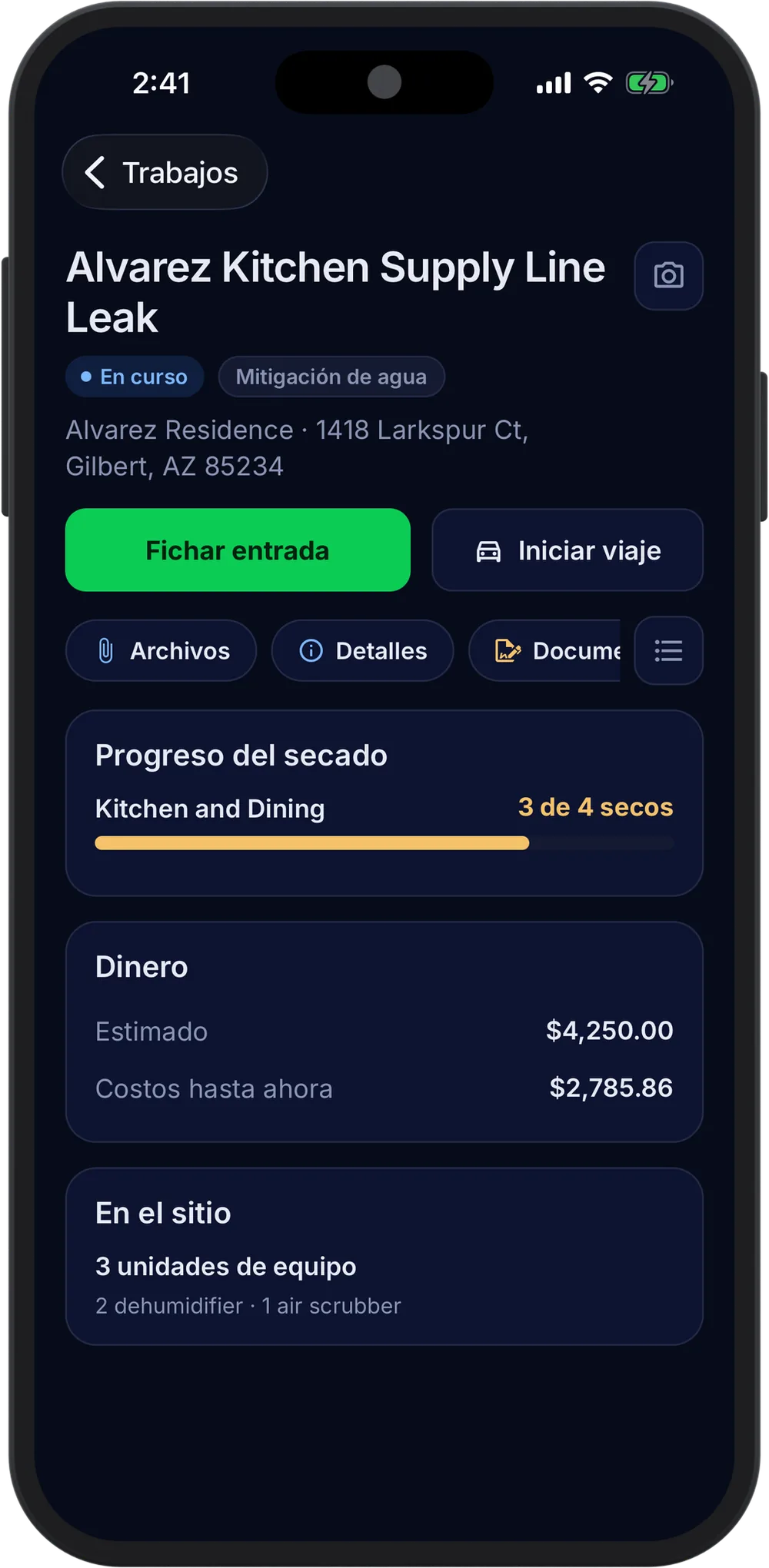
The Crew Records the Job as It Happens
Clock in, log readings, scan equipment, and sign the change order from the phone. Assigned jobs, tasks, readings, and the clock keep working with no signal.
- Employee Hours. Clock in on site with the location recorded, and the hours land on the job as labor cost.
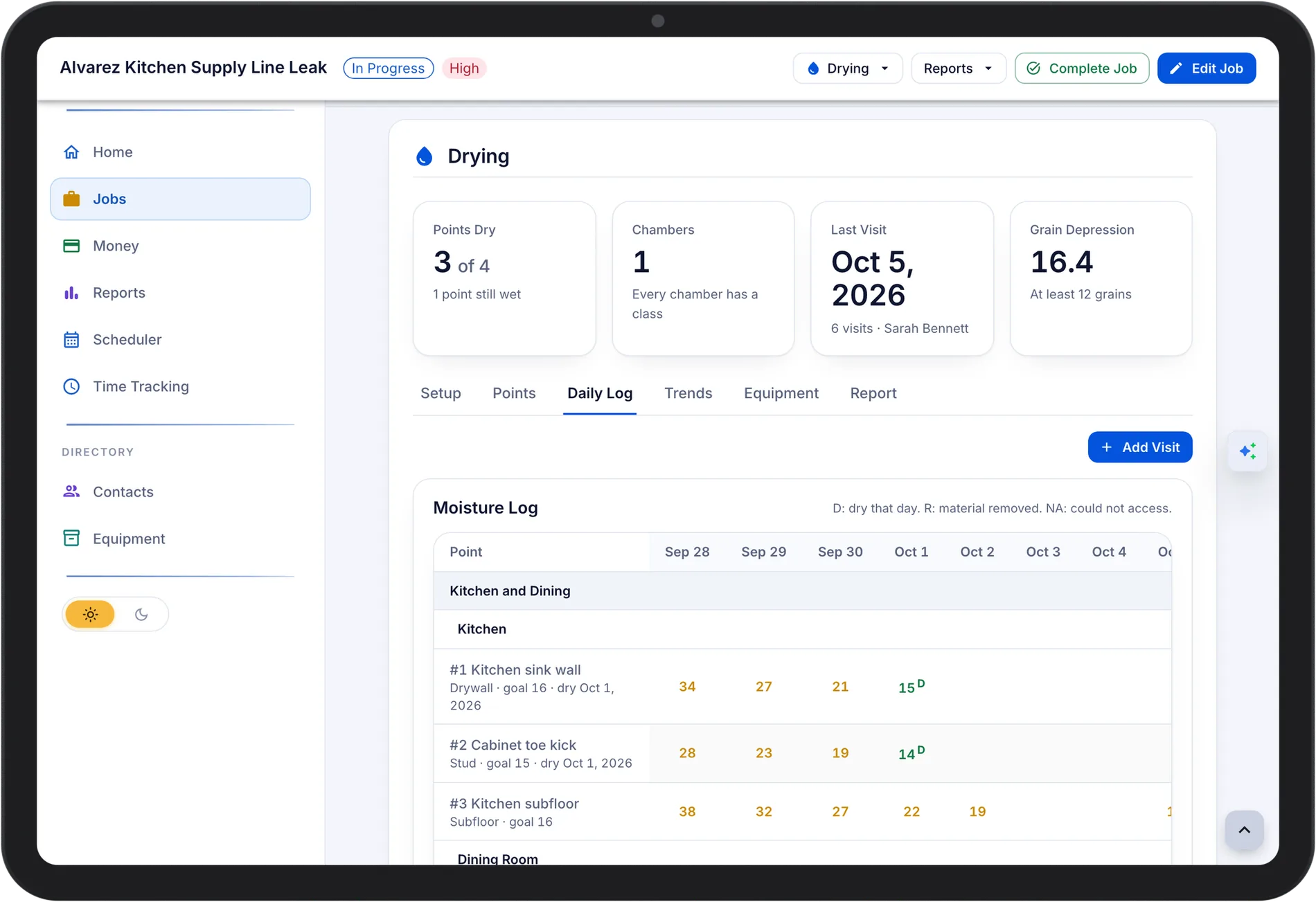
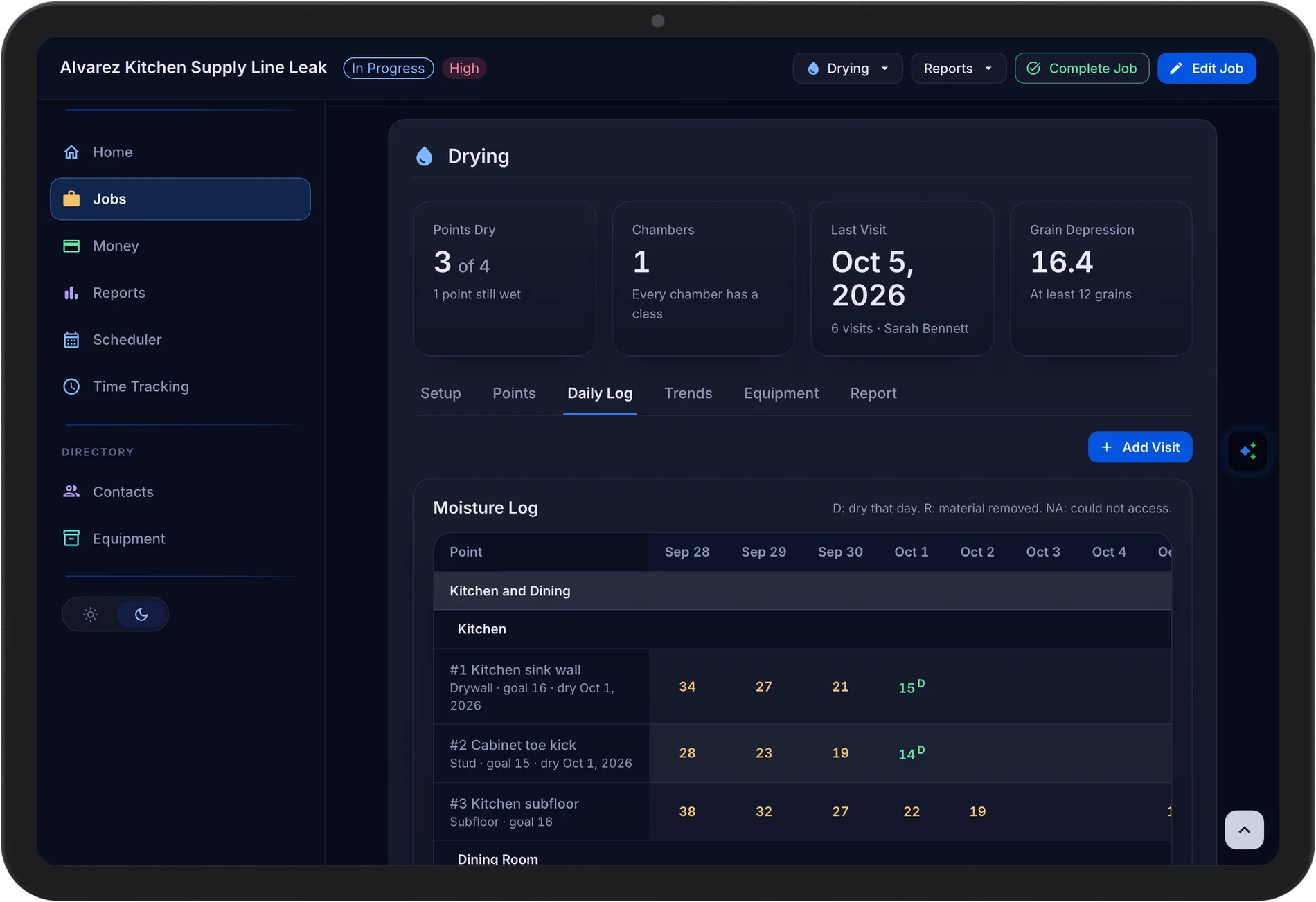
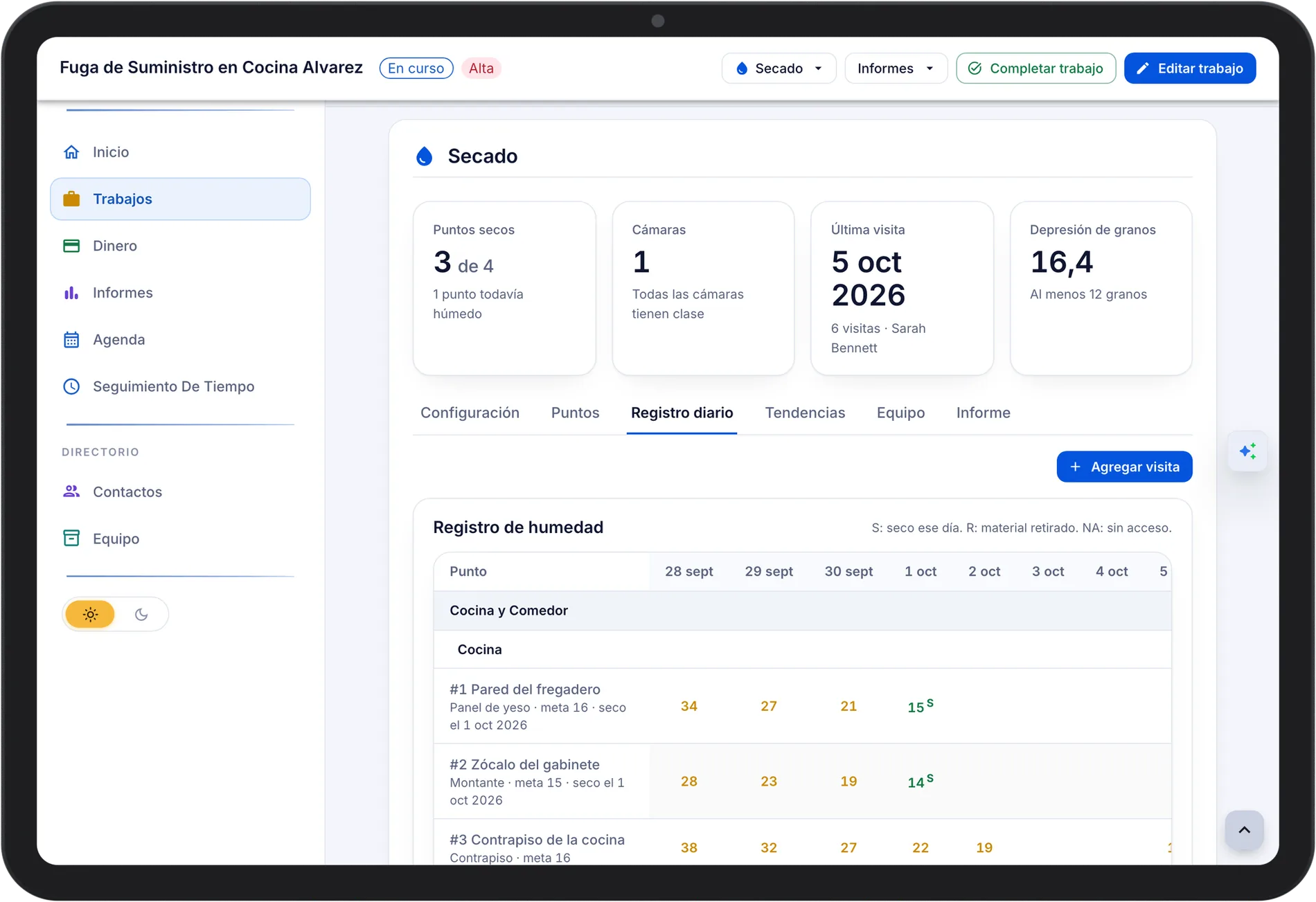
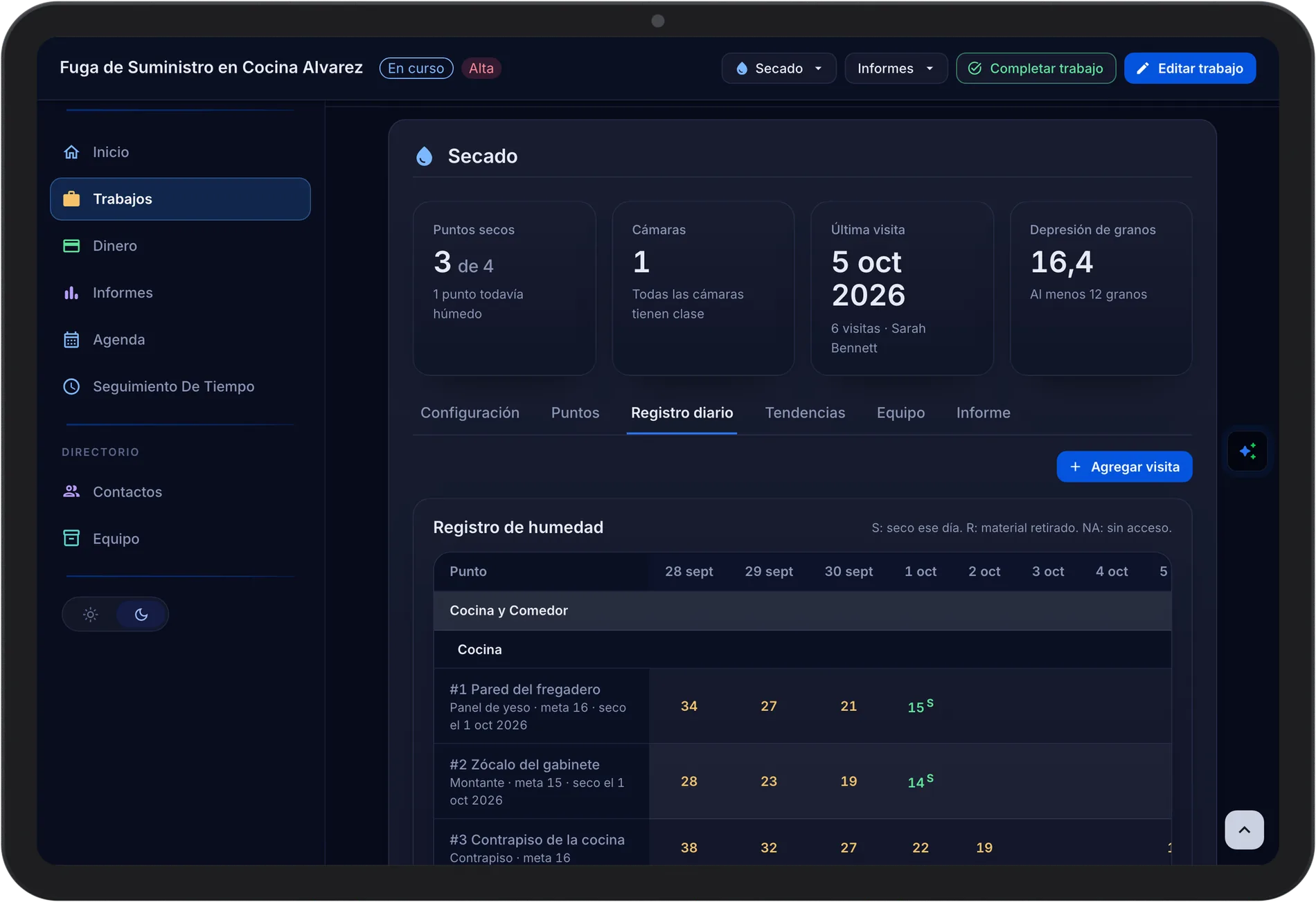
- Drying. Daily readings by room and material against a dry goal, with atmospheric readings.
- Equipment by QR. Every unit shows On Job Site until it is scanned back onto the van.
- E-Sign and Change Orders. Photos on the change order, signed on the phone, added to the job total.
3 Get Paid
Collect Before You Leave
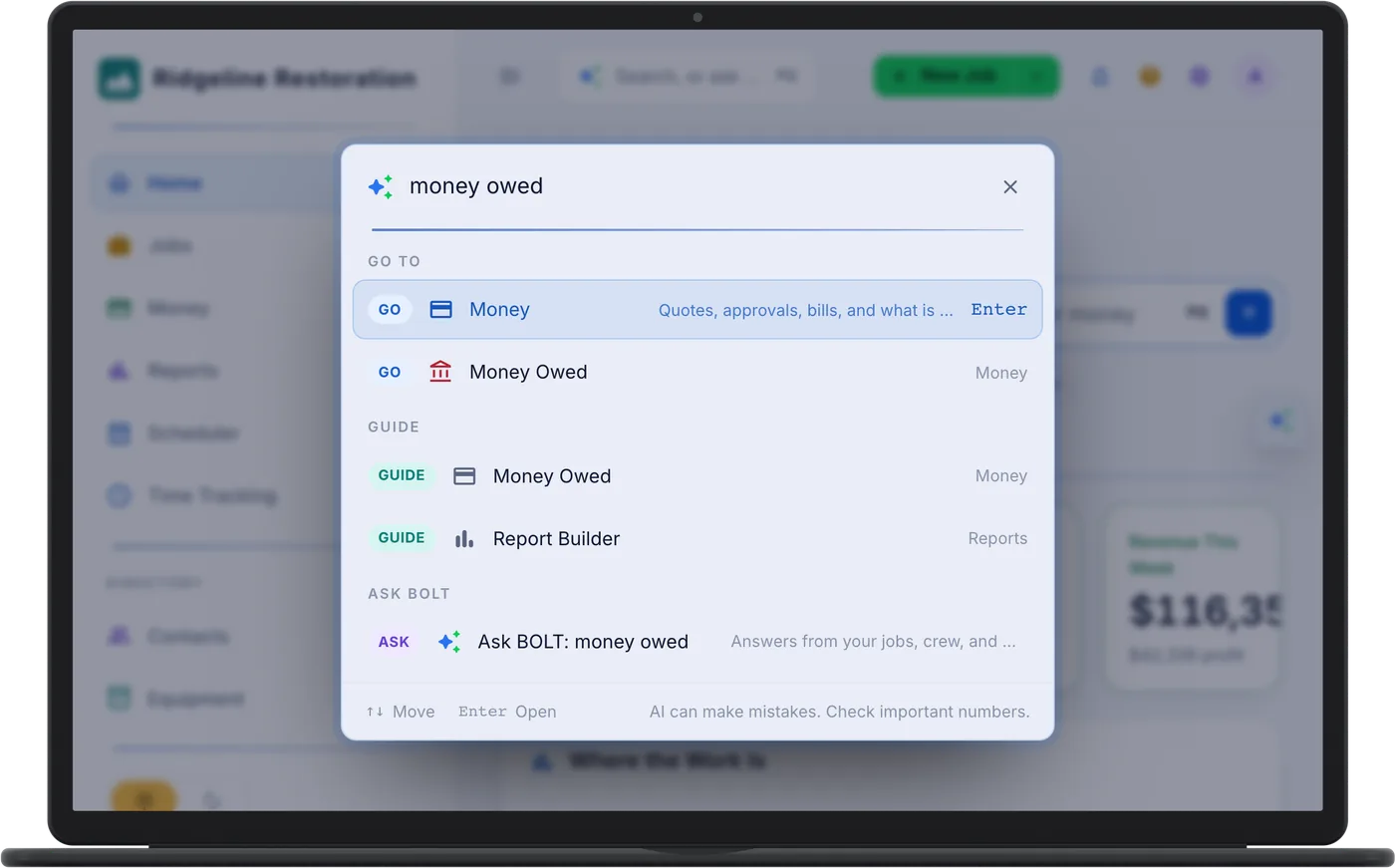
Email the invoice for card payment through Stripe, or record cash, check, ACH, or card against it on the phone. Money Owed shows every open balance by age.
- Invoices on the Phone. Paid online or recorded on site.
- Money Owed by Aging Bucket. Current, 1-30, 31-60, 61-90, and 90+ at a glance.
- Approvals in One Tap. Expenses and mileage reviewed from the phone, posted to the job once approved.
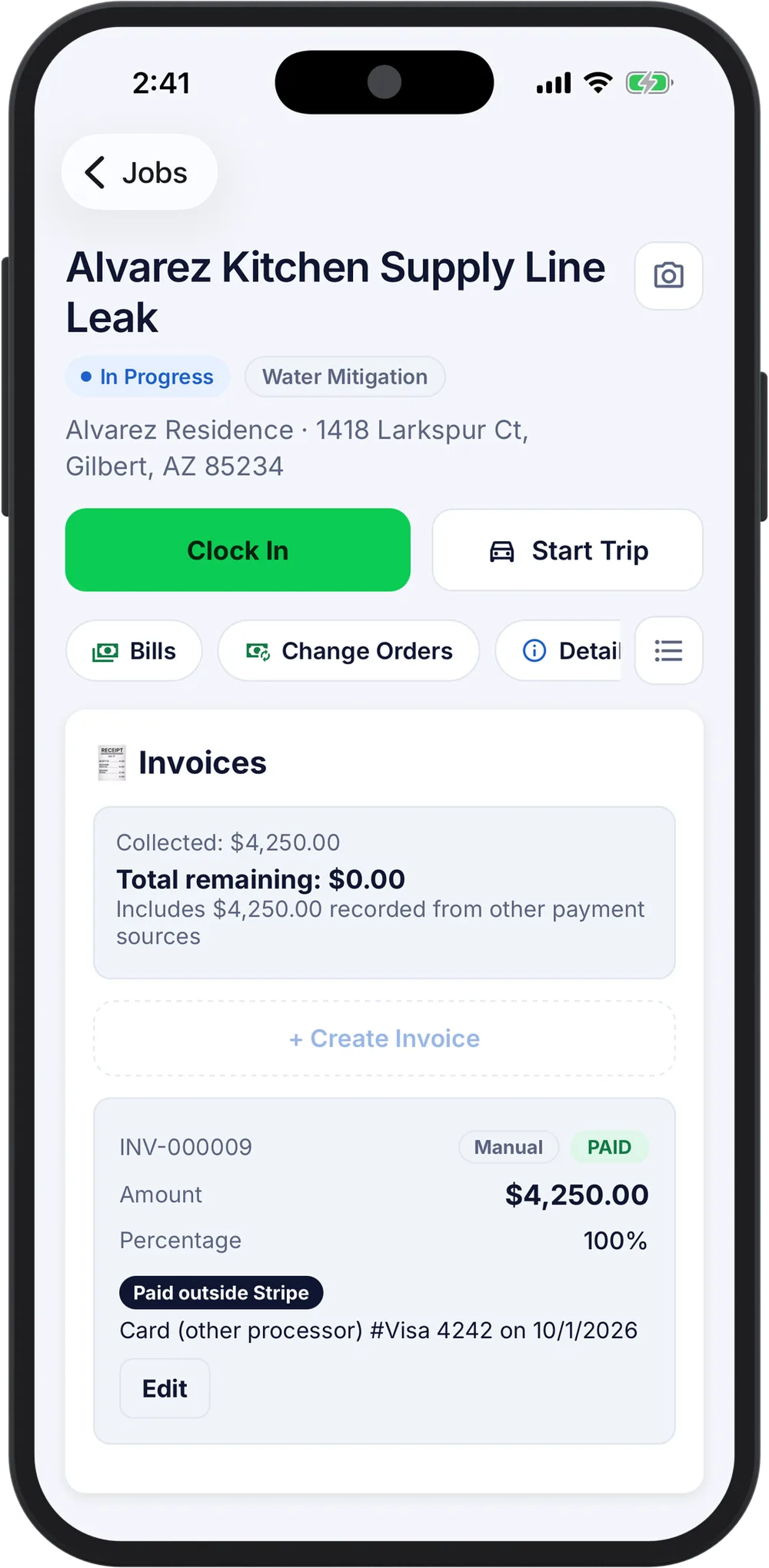
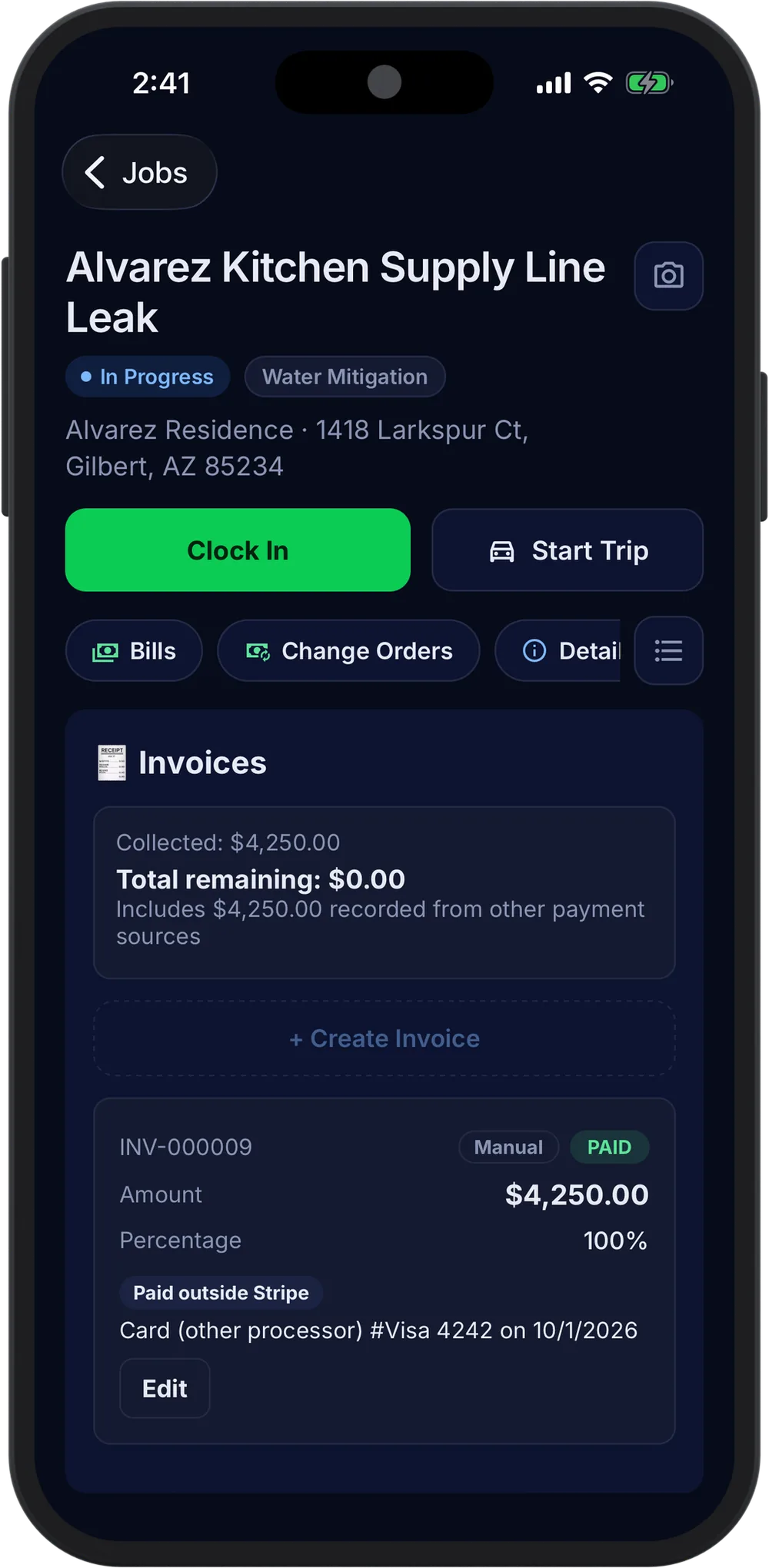
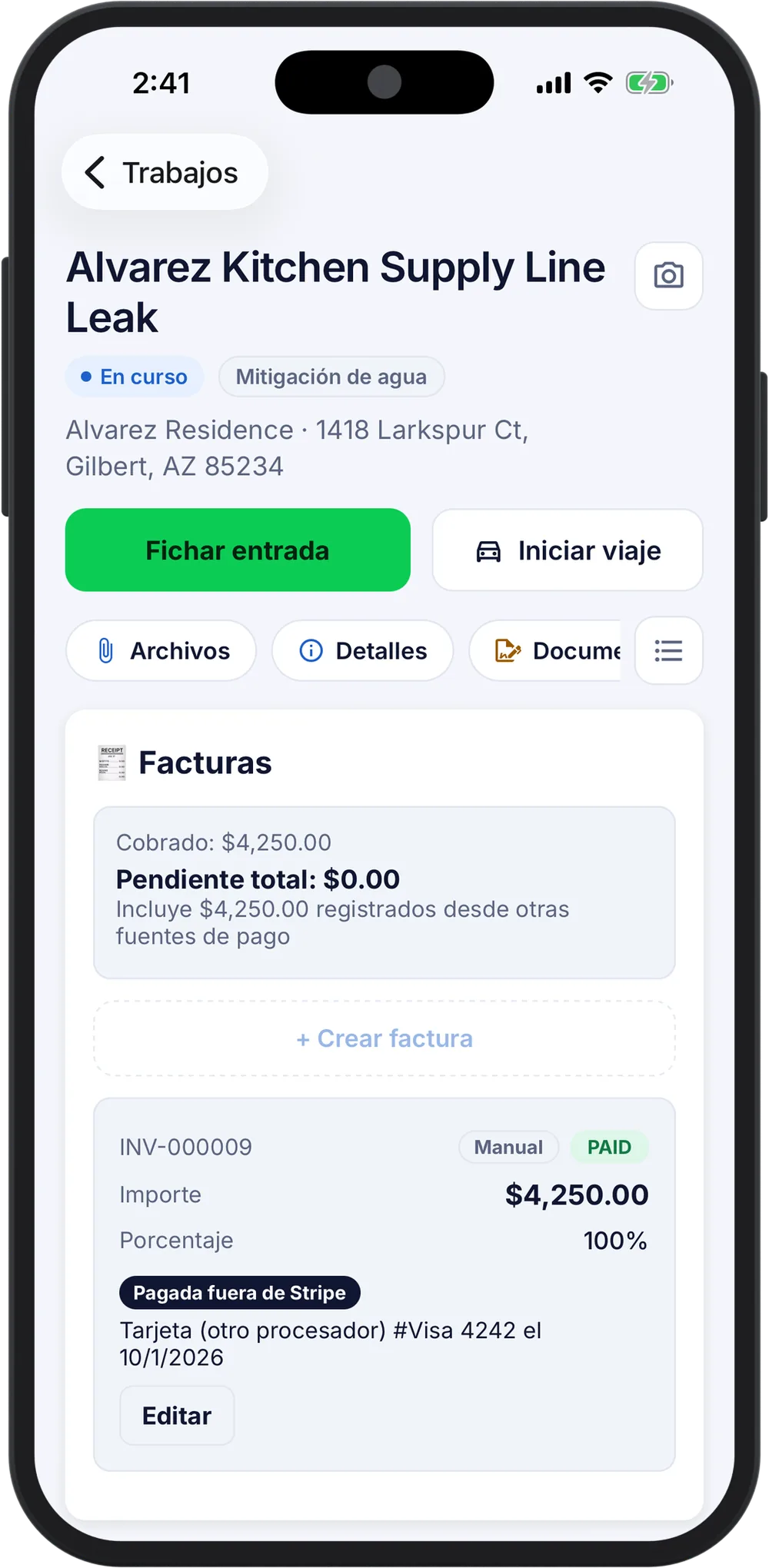
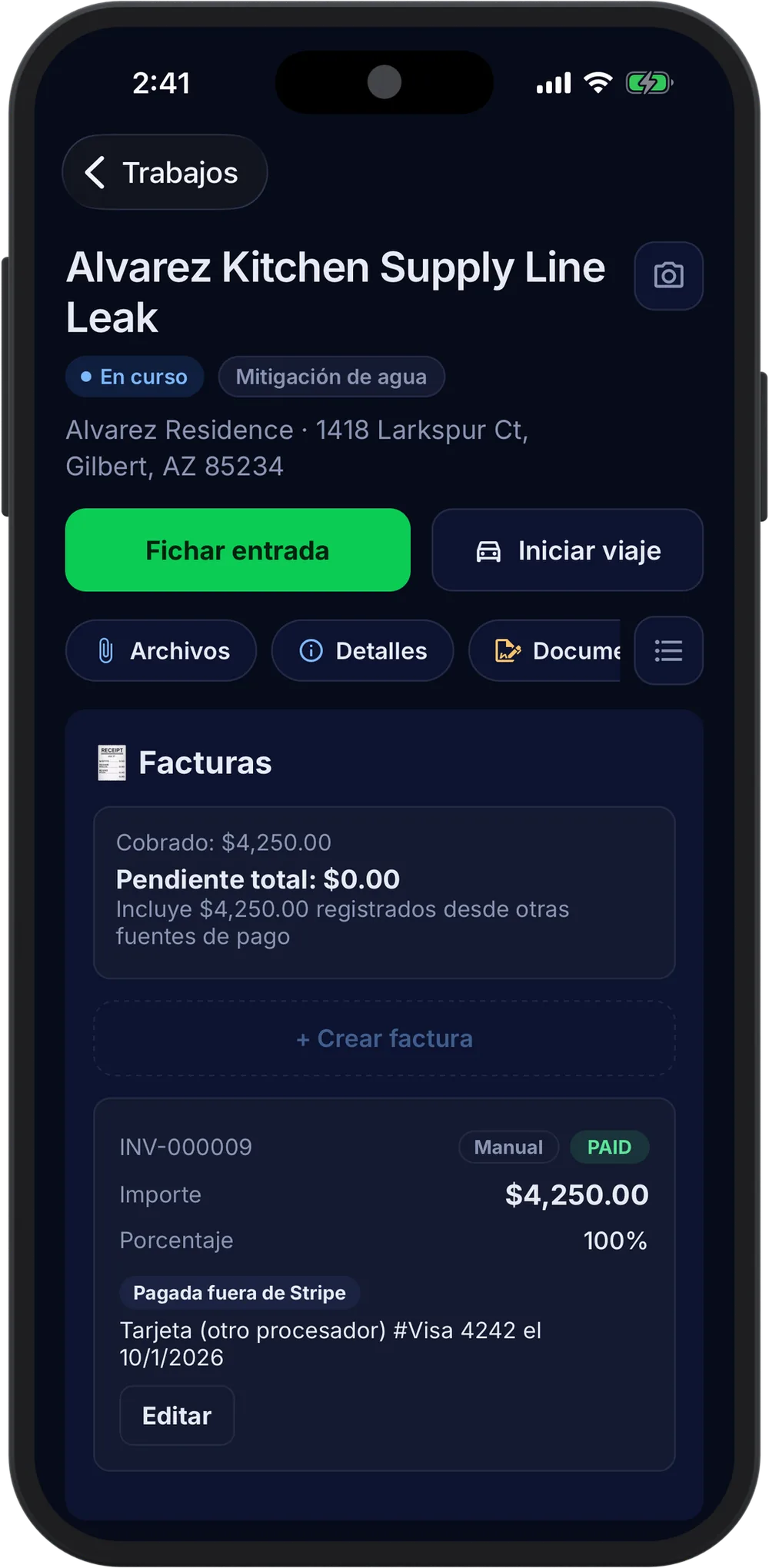
Payment Recorded
$4,250.00 by cardAlvarez, 1418 Larkspur Ct. Invoice paid in full.
PaidQuickBooks Online SyncA paid invoice and its payment sync to QuickBooks Online.
QuickBooks4 expense reports to approve$2,318 from Dana and Luis, posted to their jobs on approval.
Review4 The Books
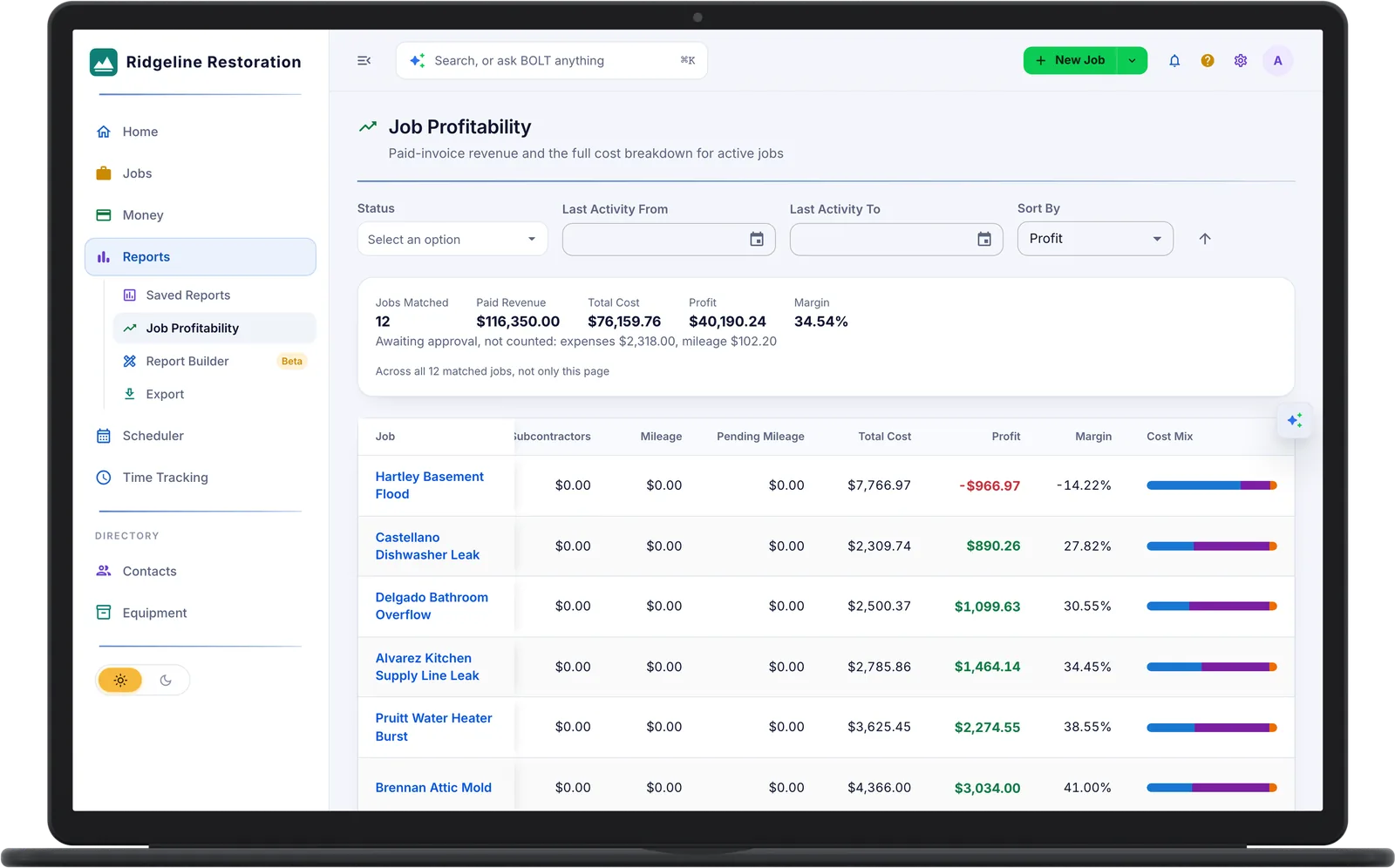
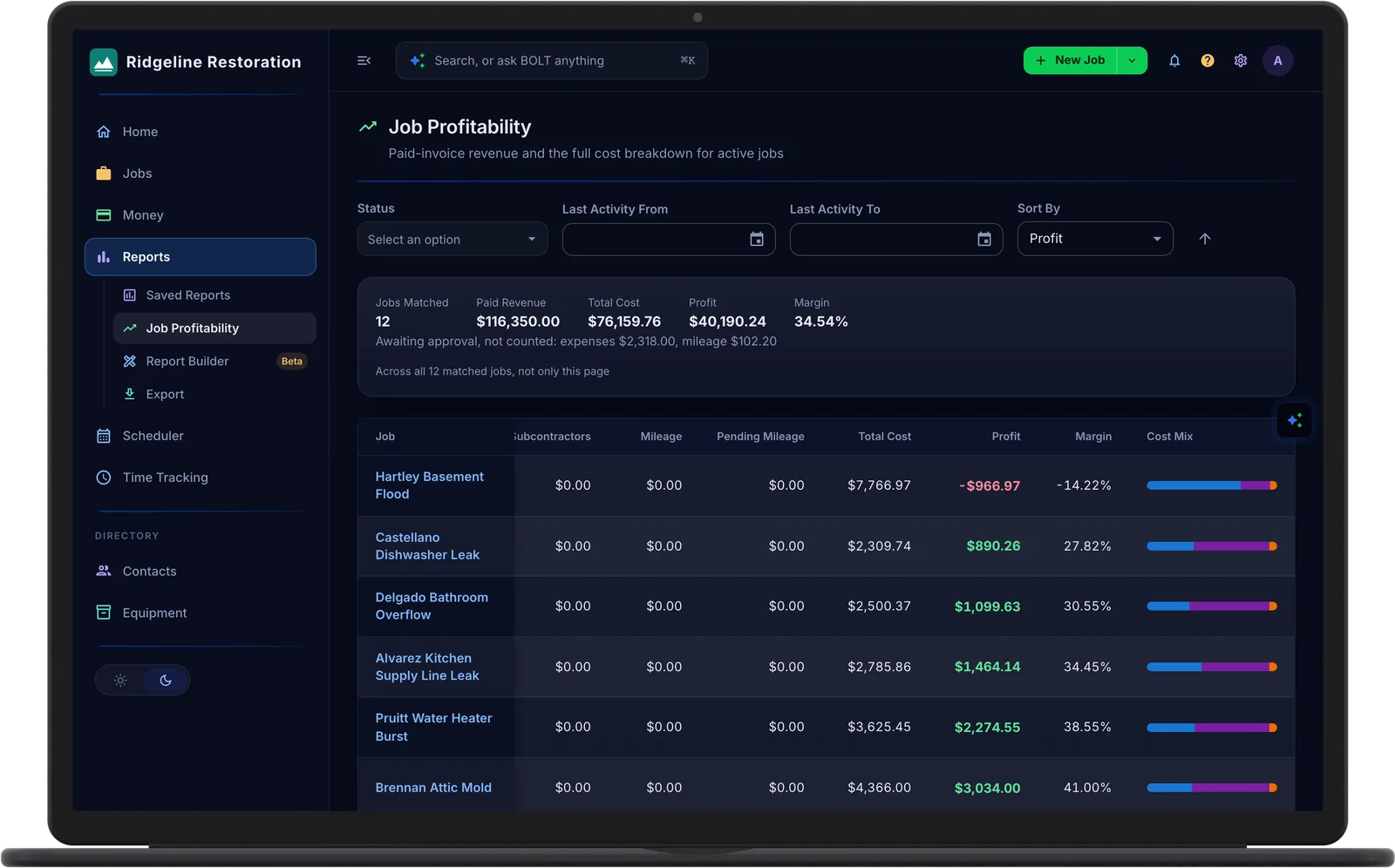
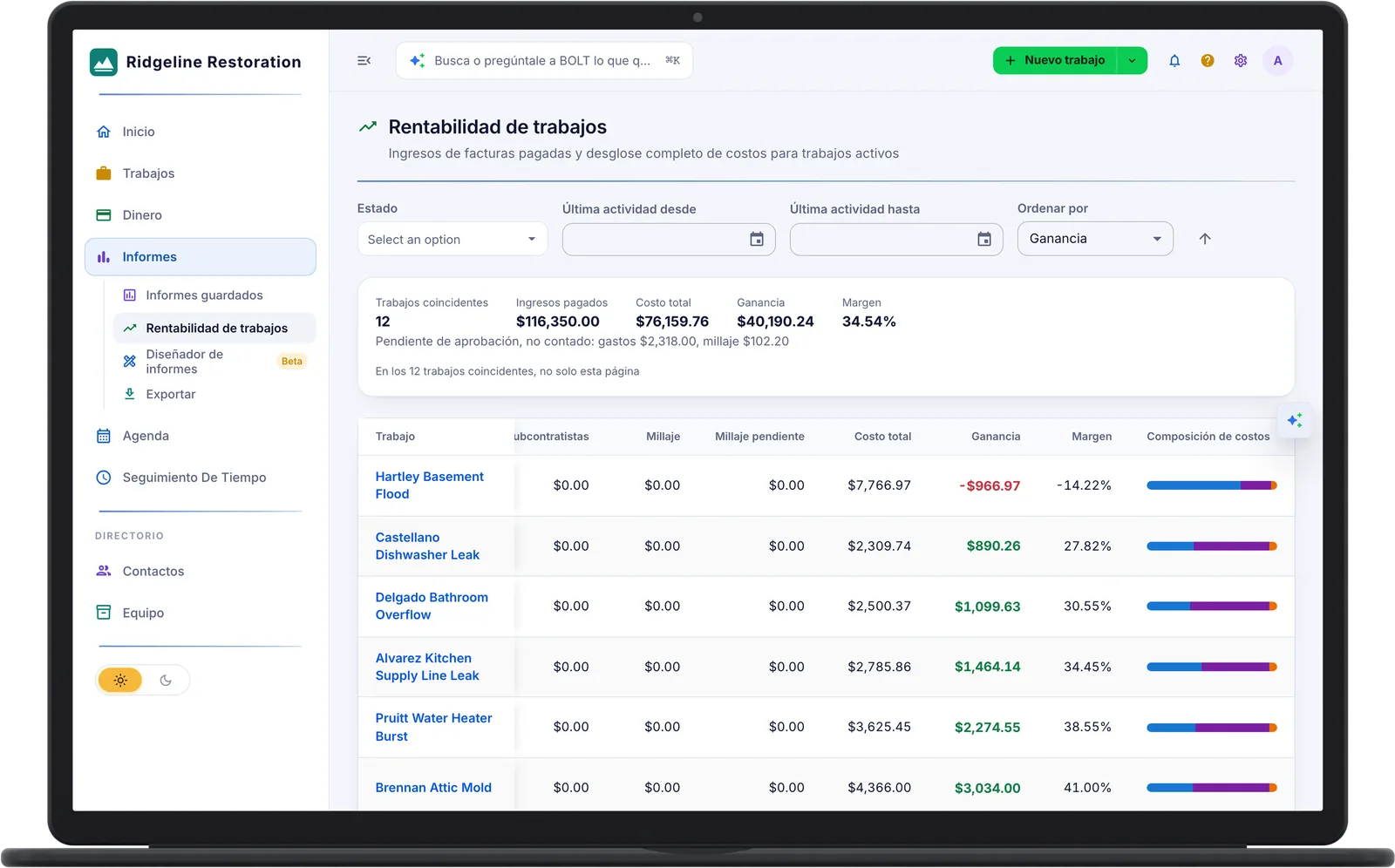
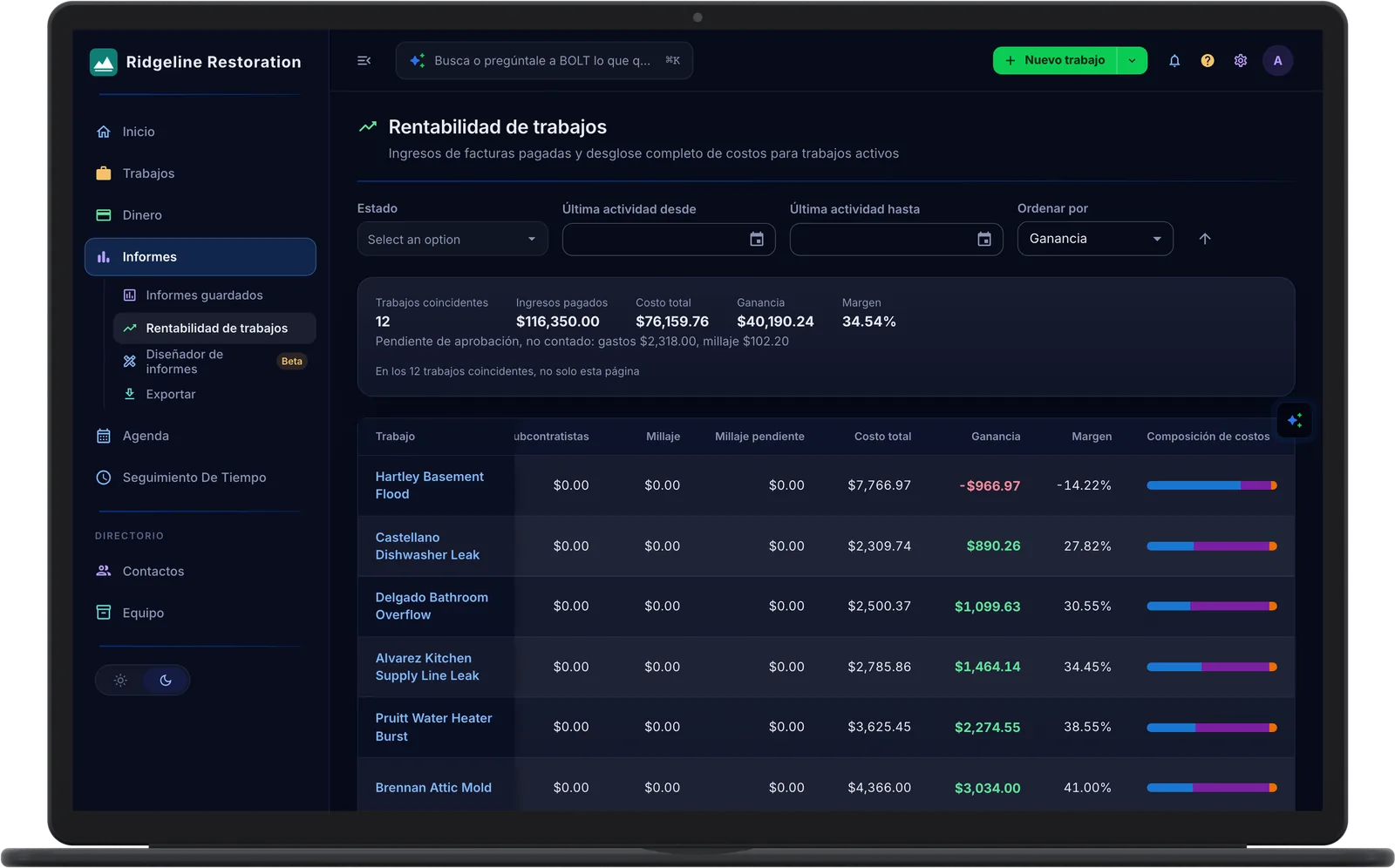
See What the Job Really Made
Paid revenue against labor, materials, subs, expenses, and mileage on every job.
- Job Profitability. Margin per job and across the book of work.
- Totals Across Every Job. Paid revenue, total cost, profit, and margin for all matched jobs.
- Only Approved Costs Count. Expenses and mileage awaiting approval are shown separately.
- QuickBooks Online Sync. Invoices, payments, bills, and approved expenses.
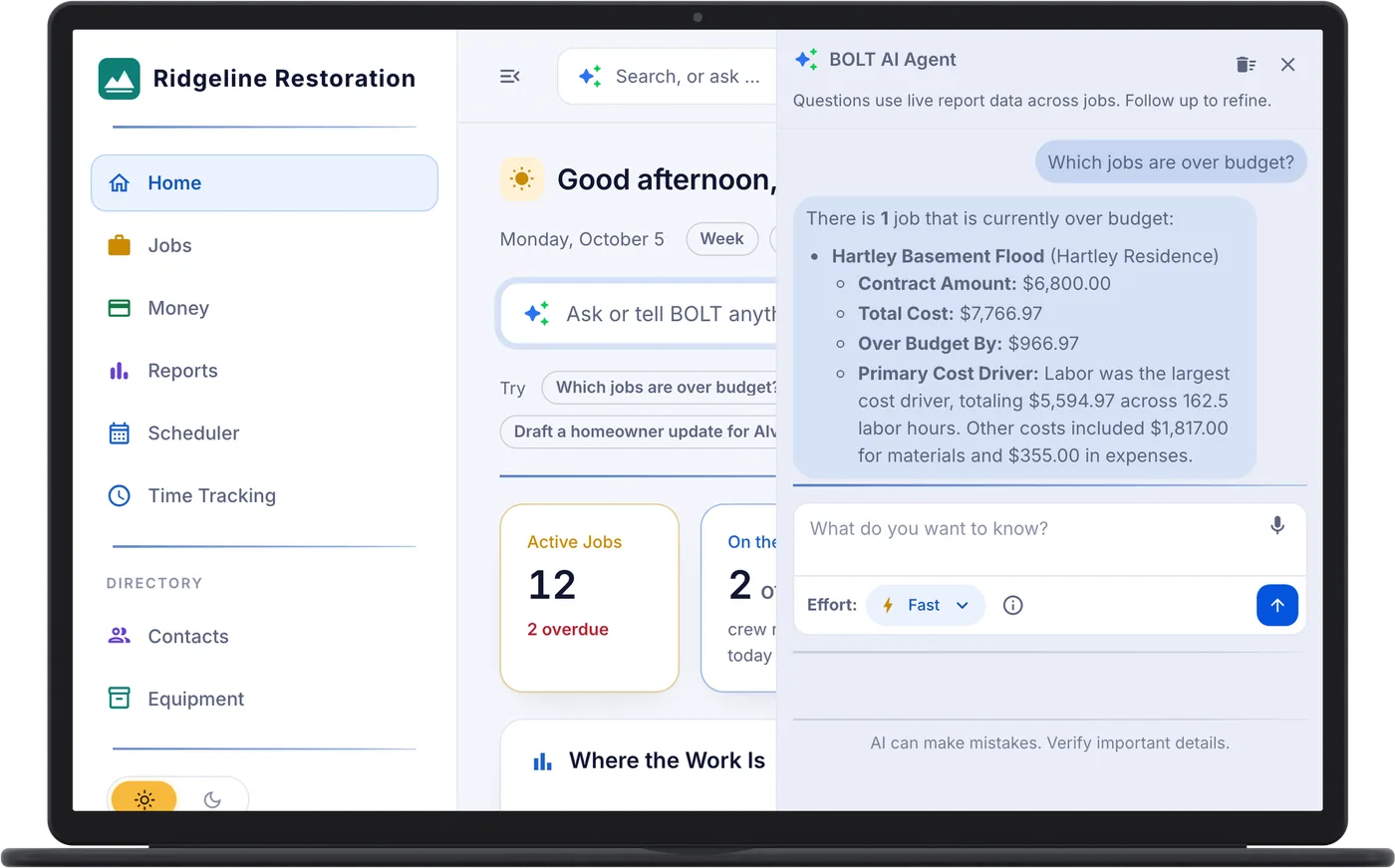
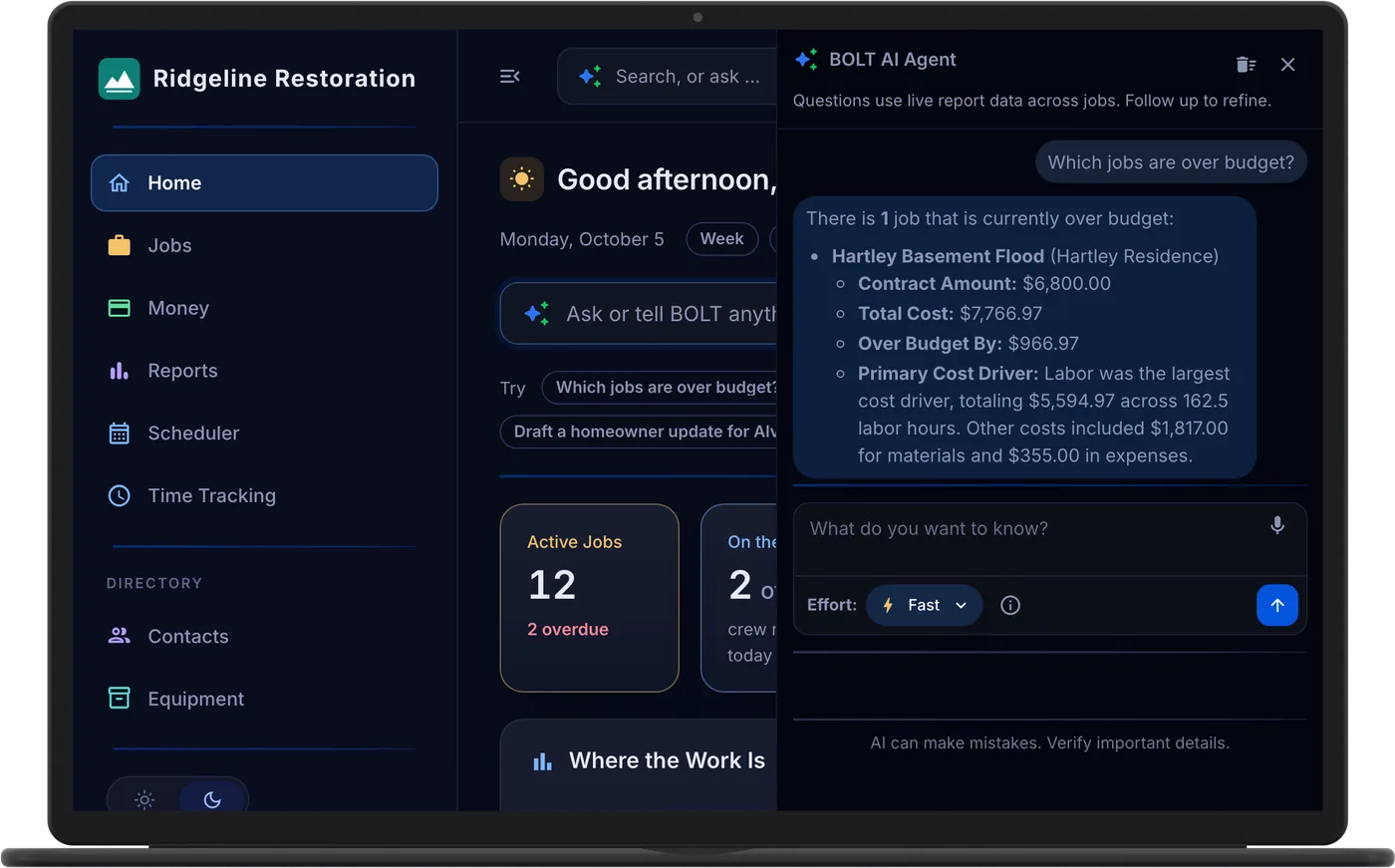
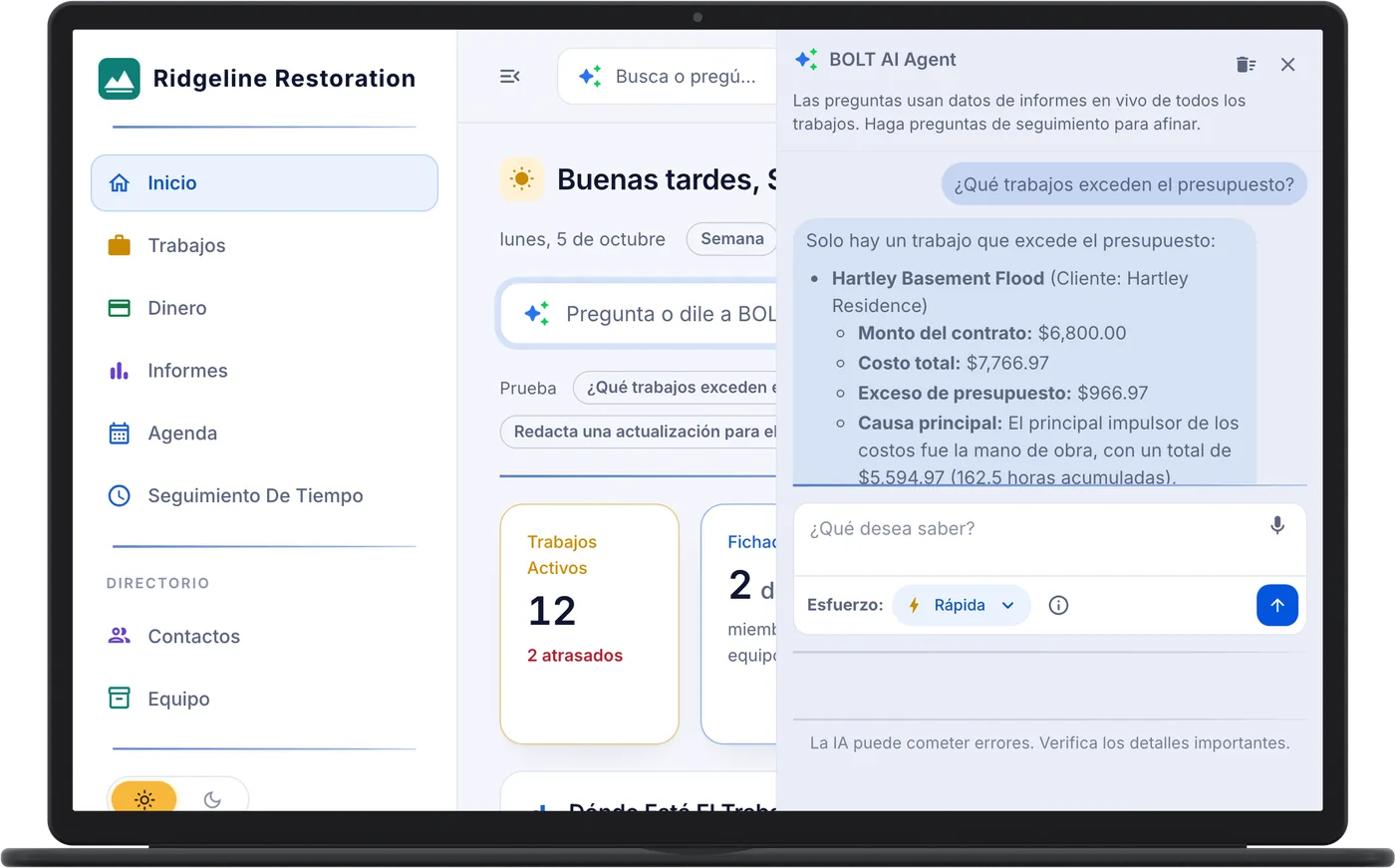
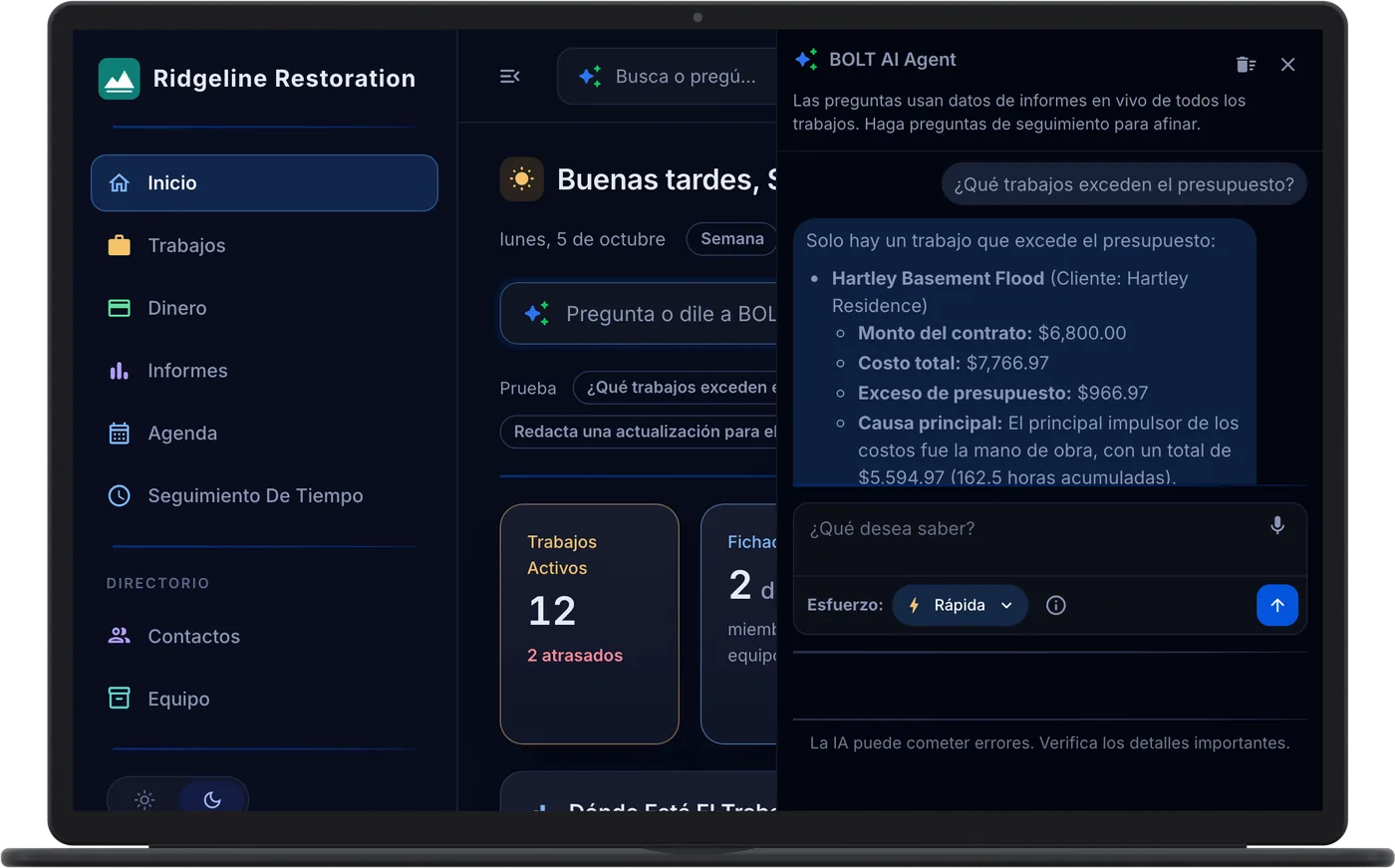
Ask BOLT AI About Your Own Jobs
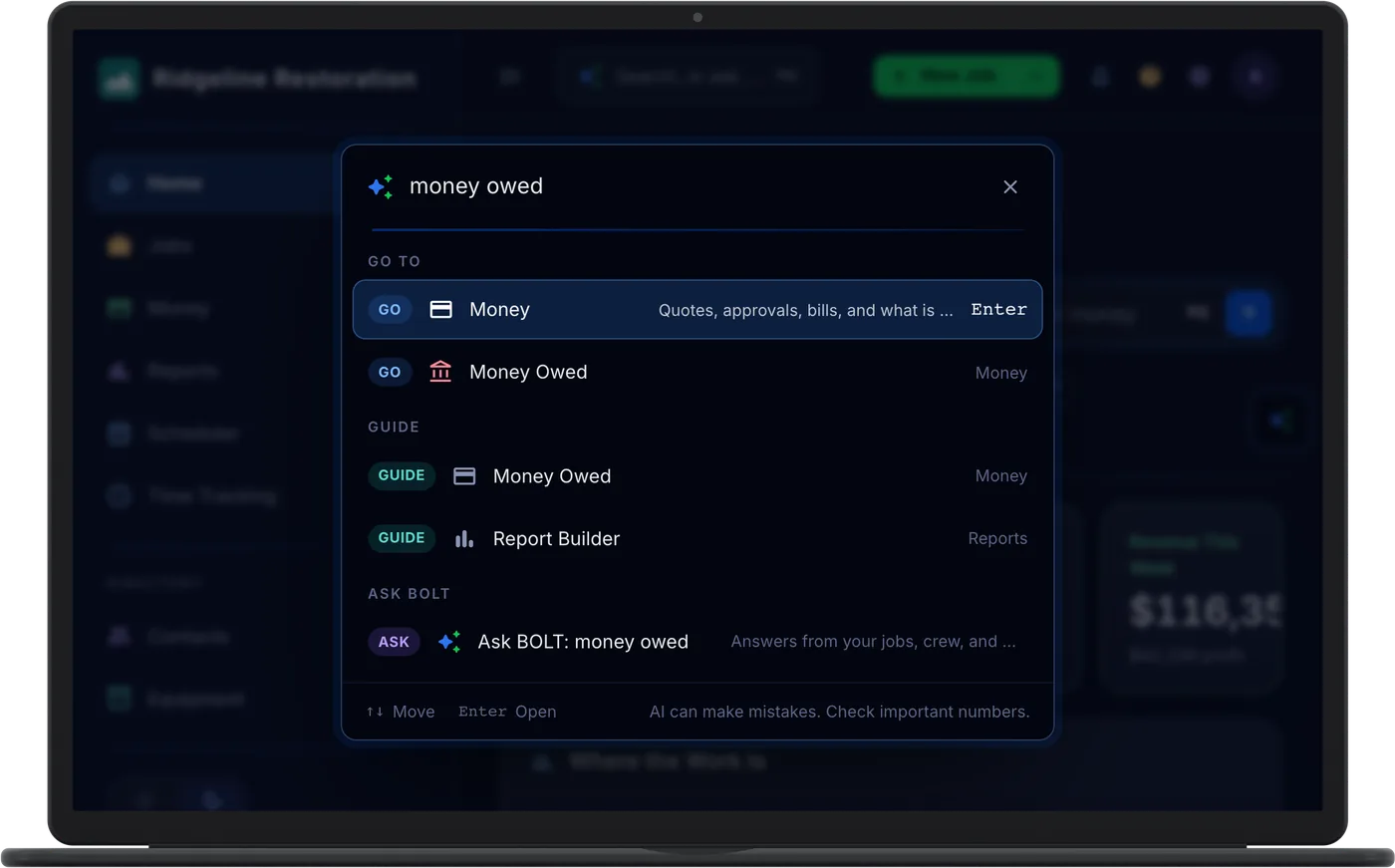
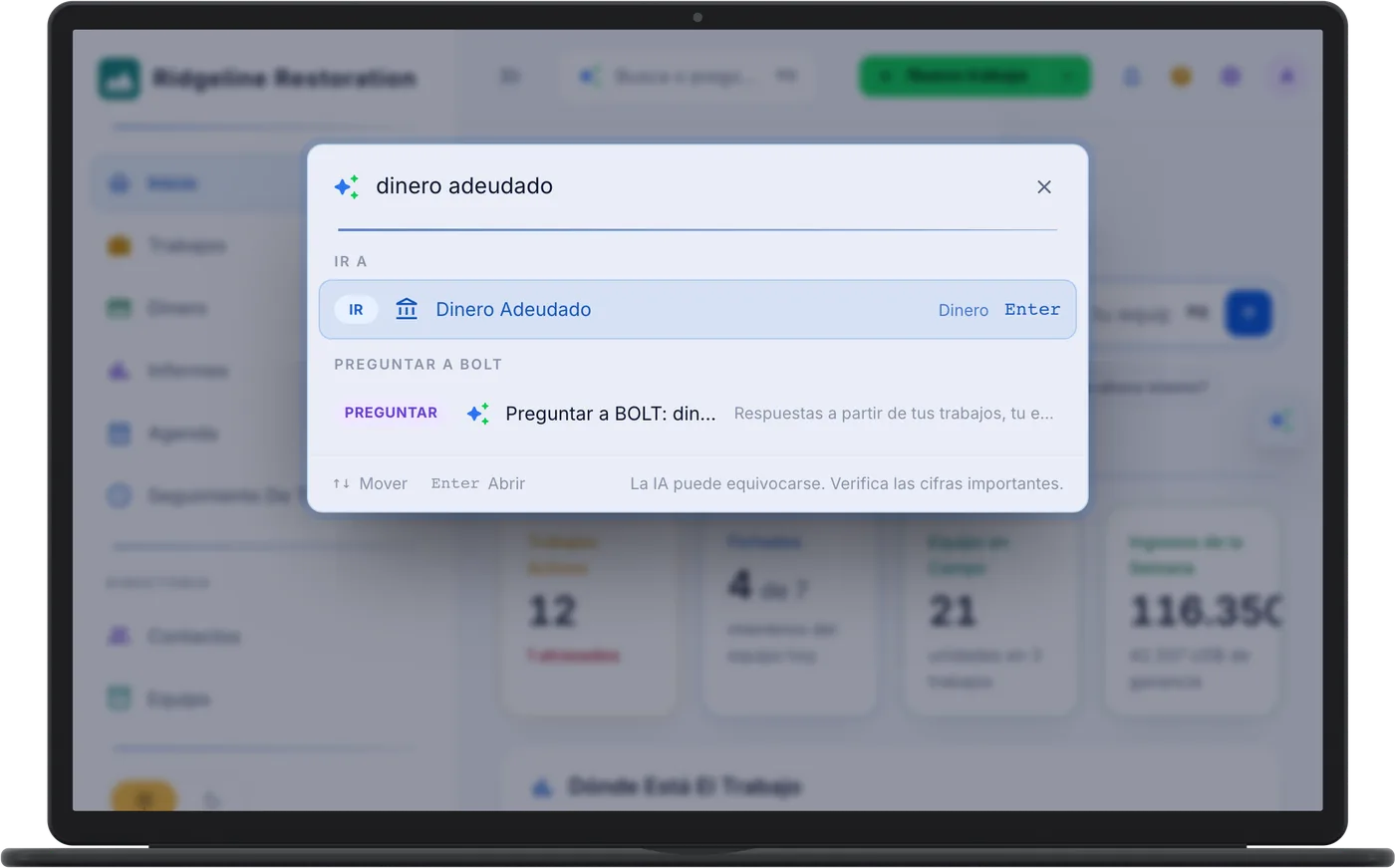
Add-OnType it the way you would say it. The answer comes from the data your crew already entered.