Drying Logs
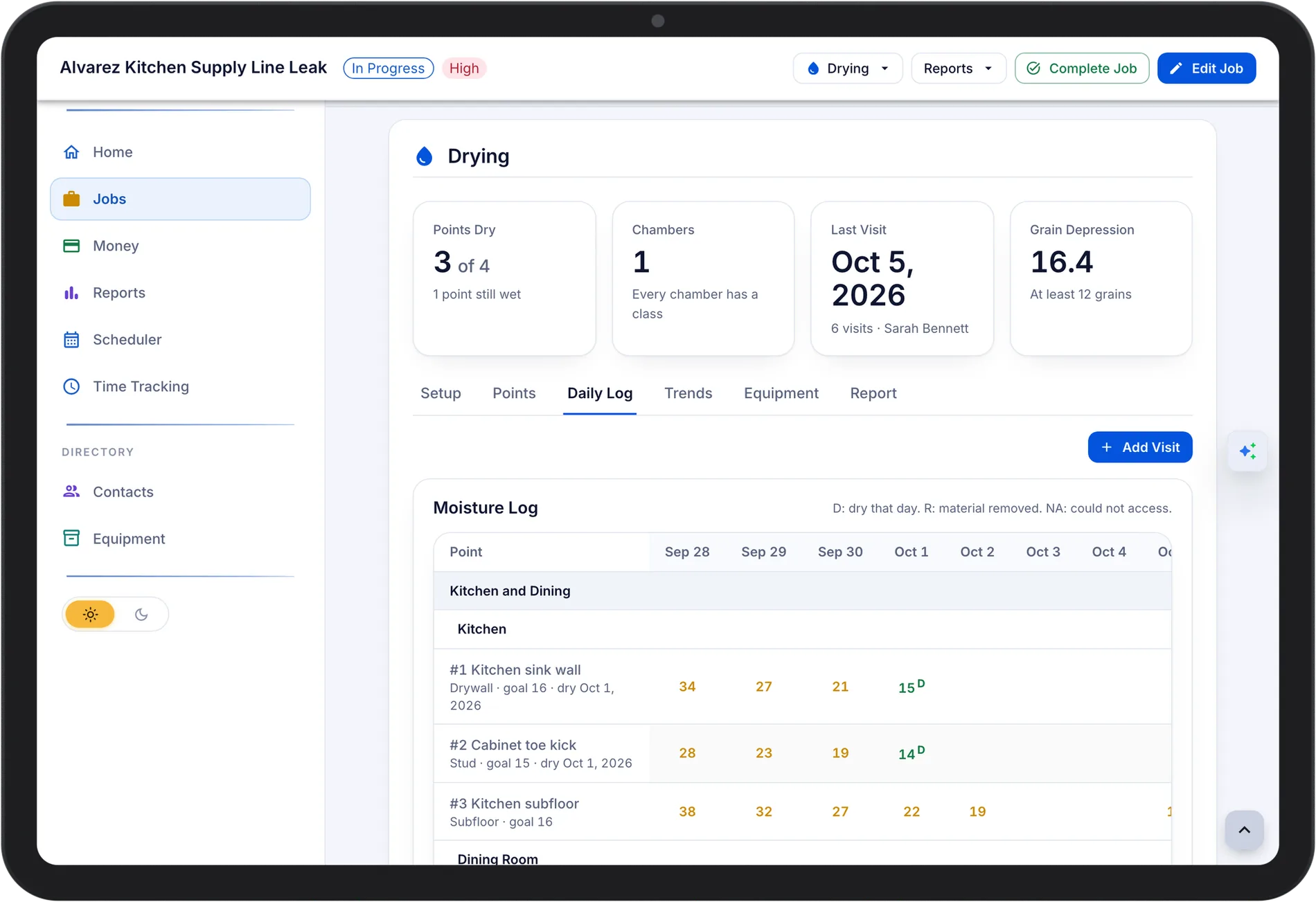
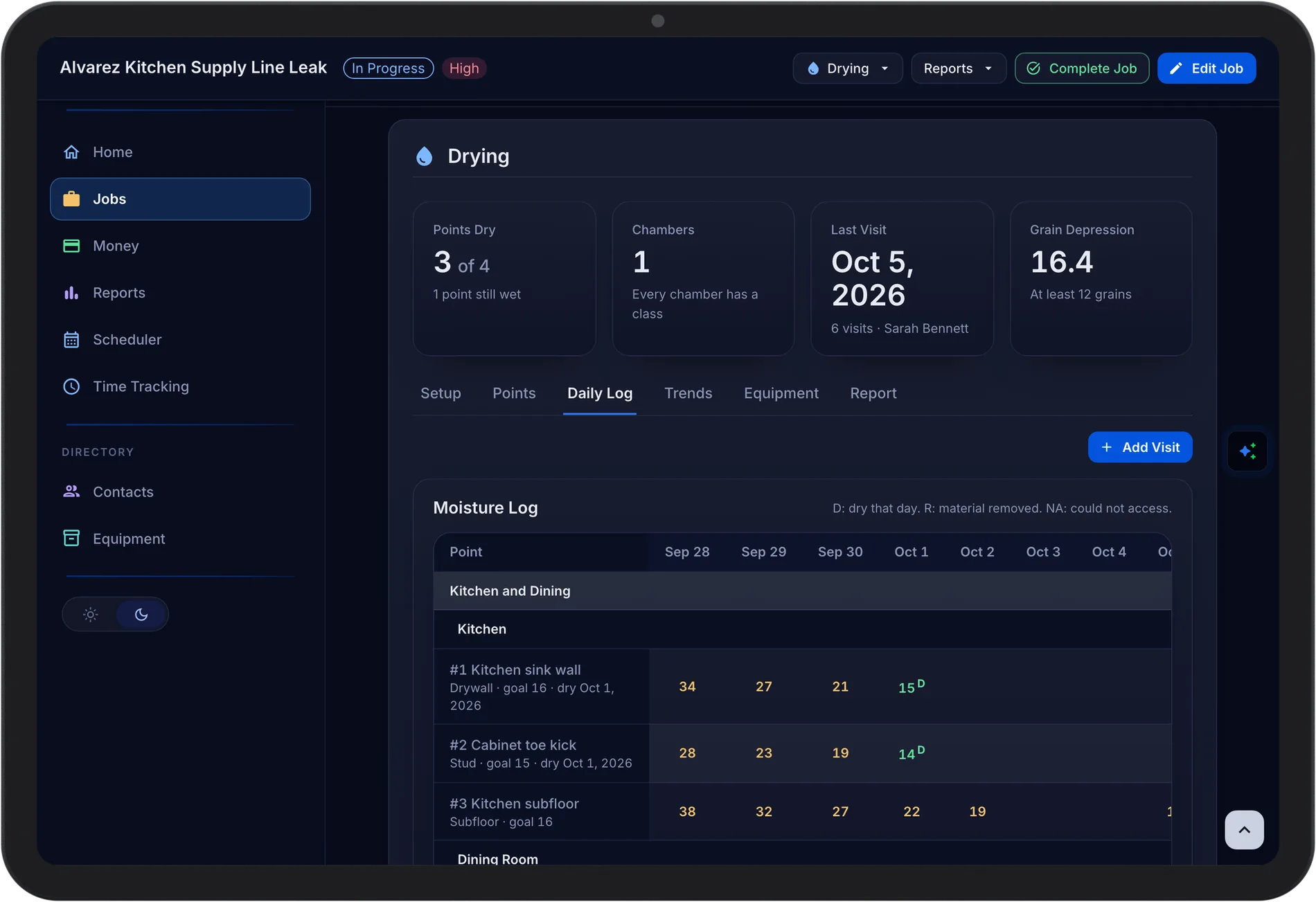
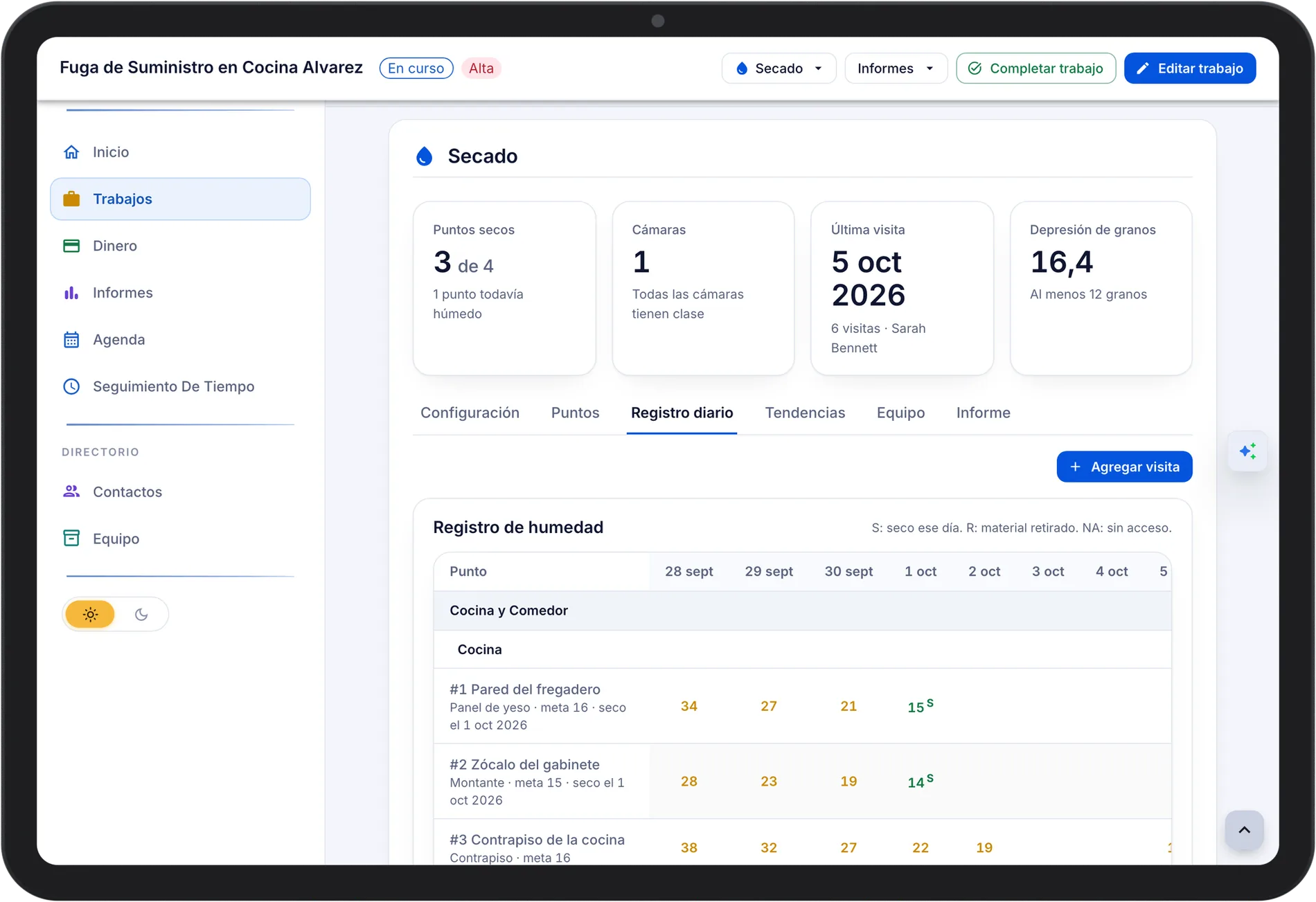
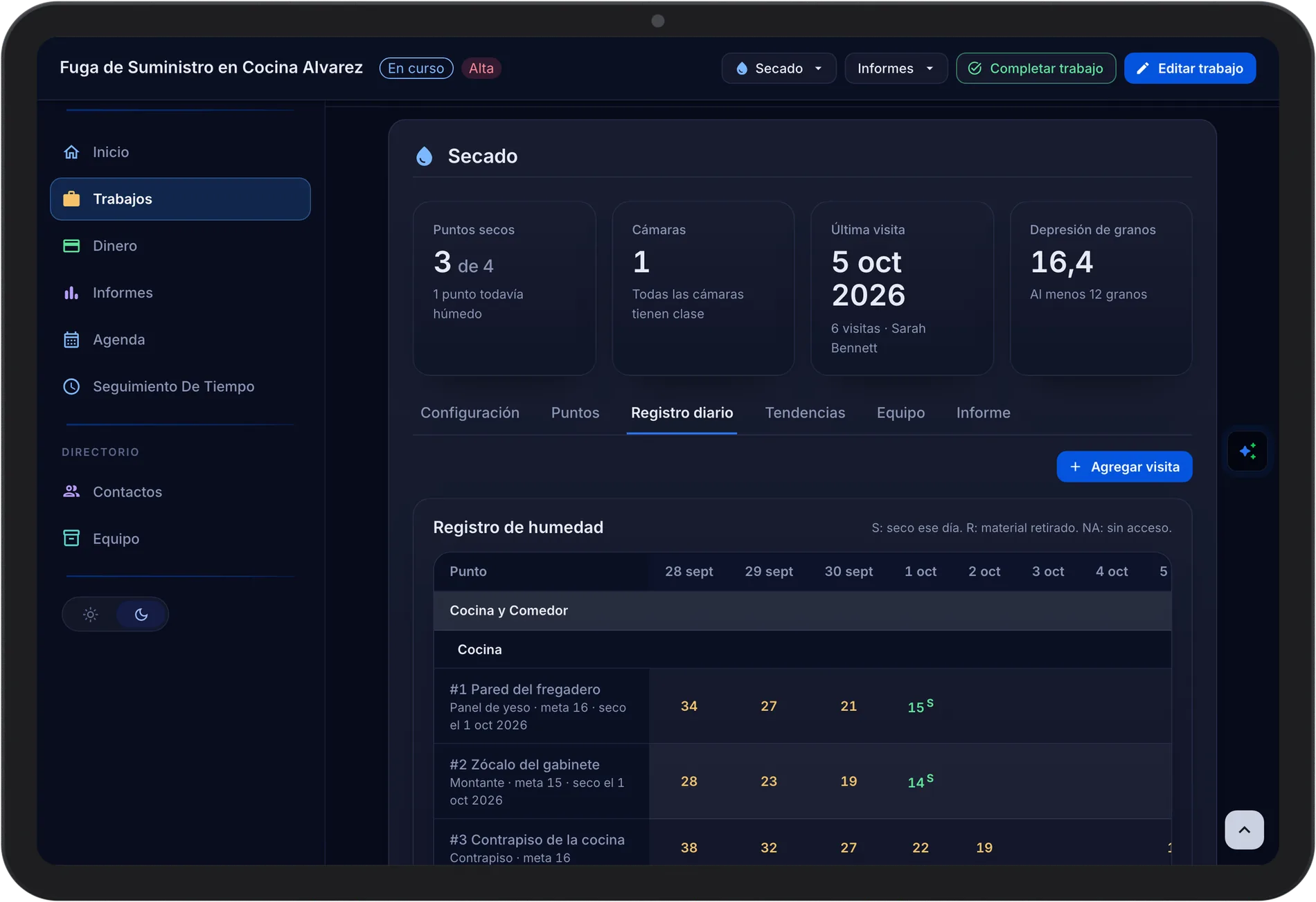
BOLT XLR keeps the drying log on the job. Techs record moisture and atmospheric readings on the phone at each visit, and the office sees which points are dry, how the trends are moving, and how the placed equipment compares with the equipment calculator.
Reading Points and Dry Goals
Add a reading point for each material in each room. The dry goal comes from an unaffected reference point of the same material or from your company's drying defaults for that material, and each point shows wet or dry.
- Points Dry. A count of the points that have reached their dry goal.
- Reference Points. Unaffected material sets the dry standard for its material.
- Chambers and Rooms. Rooms by level, grouped into drying chambers.
Atmospheric Readings
Enter temperature and relative humidity outside, in the unaffected area, in each chamber, and at each dehumidifier outlet. Each row shows grains per pound and dew point, and an outlet shows its grain depression against your minimum.
- Grain Depression. Shown in green when it meets the minimum and in red when it does not.
- Company Minimum. Twelve grains unless you change it in settings.
- Equipment Count. The daily log checks the count against what is placed.
Trends and the Equipment Calculator
Trend charts show each point moving toward its goal. The equipment calculator compares the dehumidifier capacity and air movers each chamber calls for with what is placed, and a warnings card lists anything that needs attention.
- Trend Charts. Readings over time for every point.
- Equipment Sizing Warnings. Placed equipment is checked against the size of the chamber.
- Low Grain Depression. A dehumidifier that removed fewer grains than the minimum is flagged.
The Drying Report
One report holds the loss details, chambers and rooms, the calculator, the moisture and atmospheric logs, charts, equipment days, visits, and photos. The claim number and carrier come from the job.
- Printable Drying Report. Print it, or save it as a PDF from the print window.
- Photos In or Out. Leave photos out of the report with one switch.
- Billable Equipment Days. Days per type, room, and chamber, exported to CSV.
Common Questions
Yes. Drying and protocol logs keep working on the phone and sync when the crew is back online.
From an unaffected reference point of the same material, or from your company's drying defaults for that material. You can also enter a goal yourself.
Yes. The minimum is 12 grains unless you change it in the drying settings.
Every plan includes drying logs and the Drying Report.
See Pricing