Job Costing
BOLT XLR shows what every restoration job really made. Labor from clock-ins, approved expenses, vendor bills, materials, subs, and mileage land on the job, and Job Profitability sets them against paid revenue.
Profit per Job
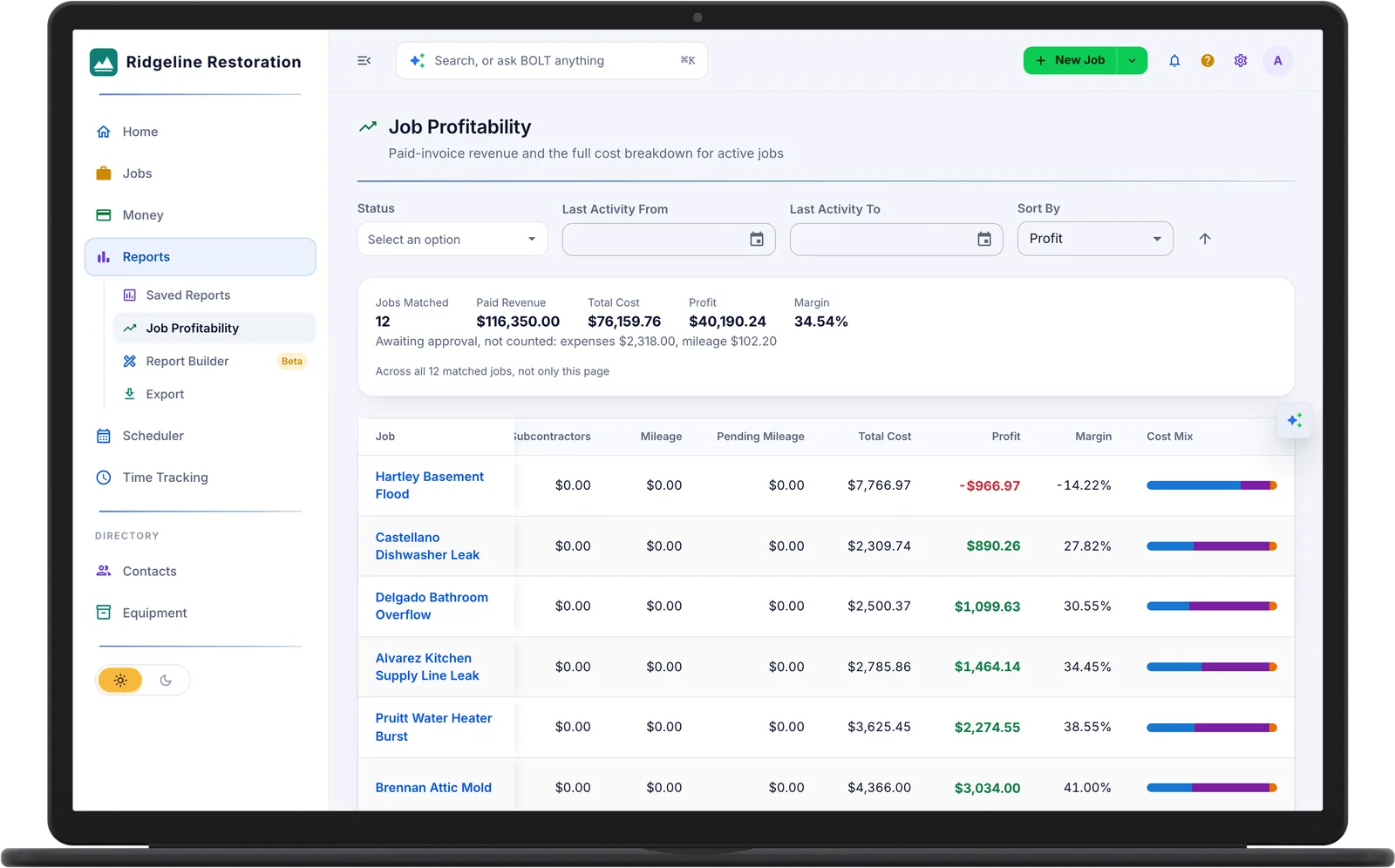
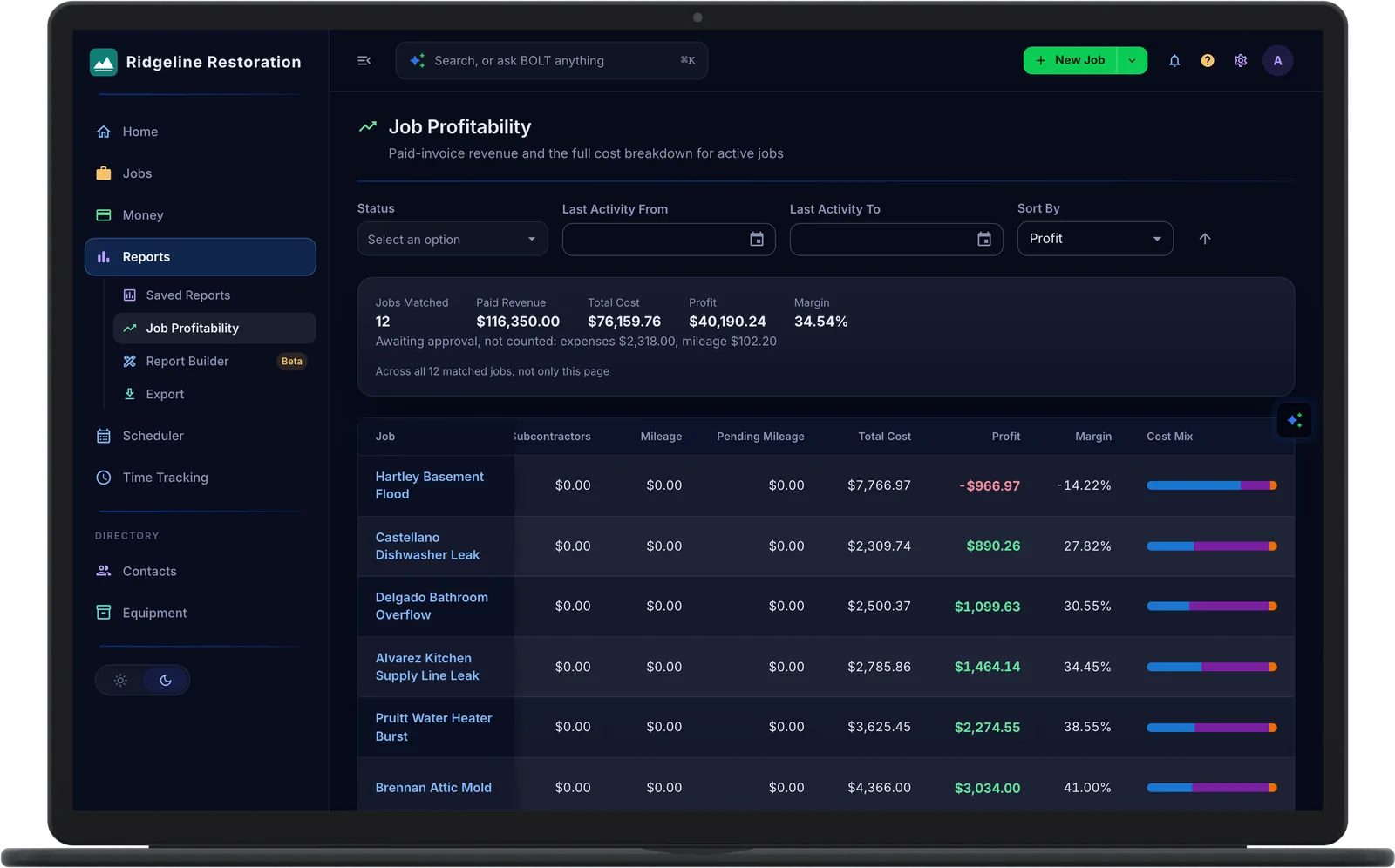
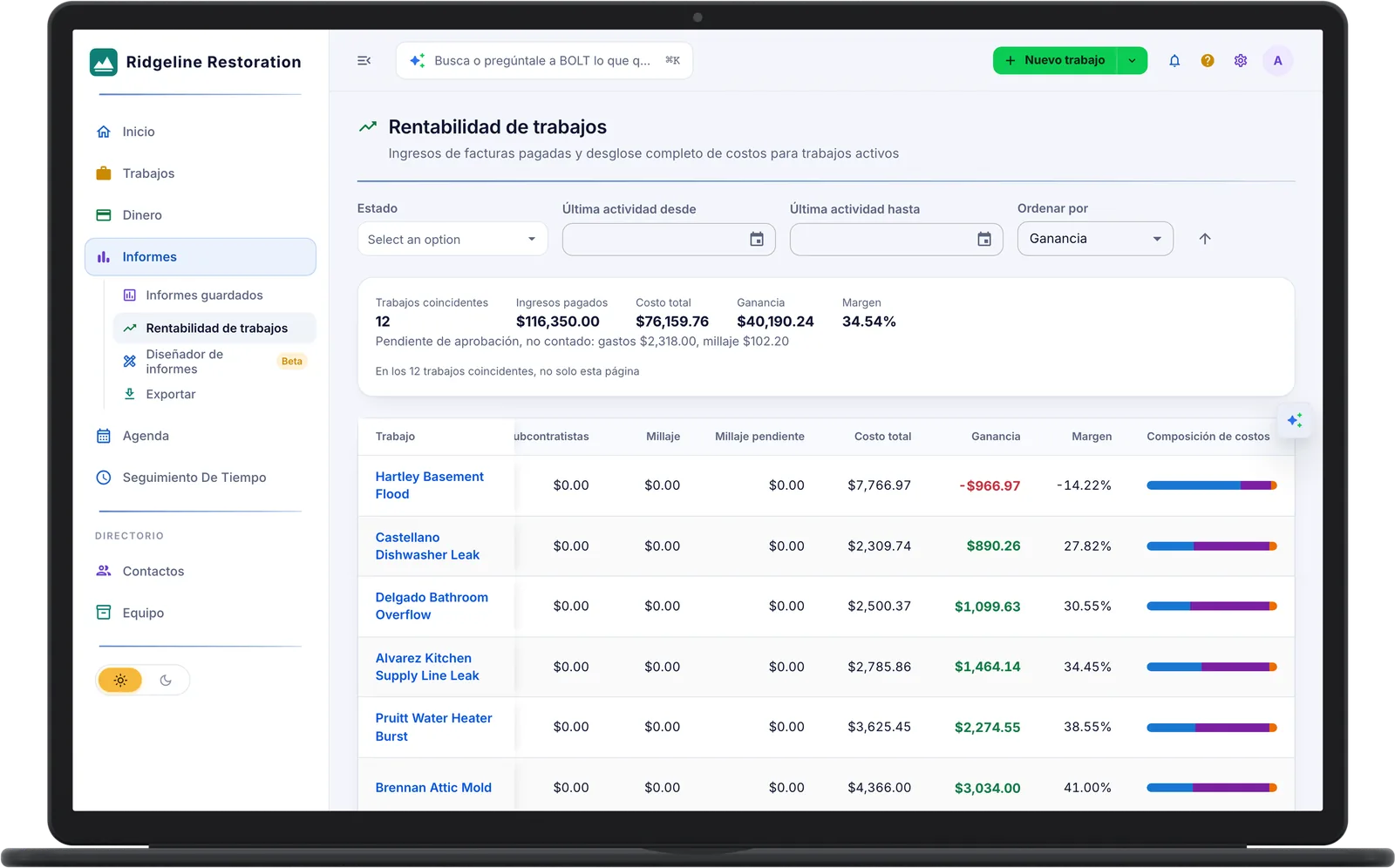
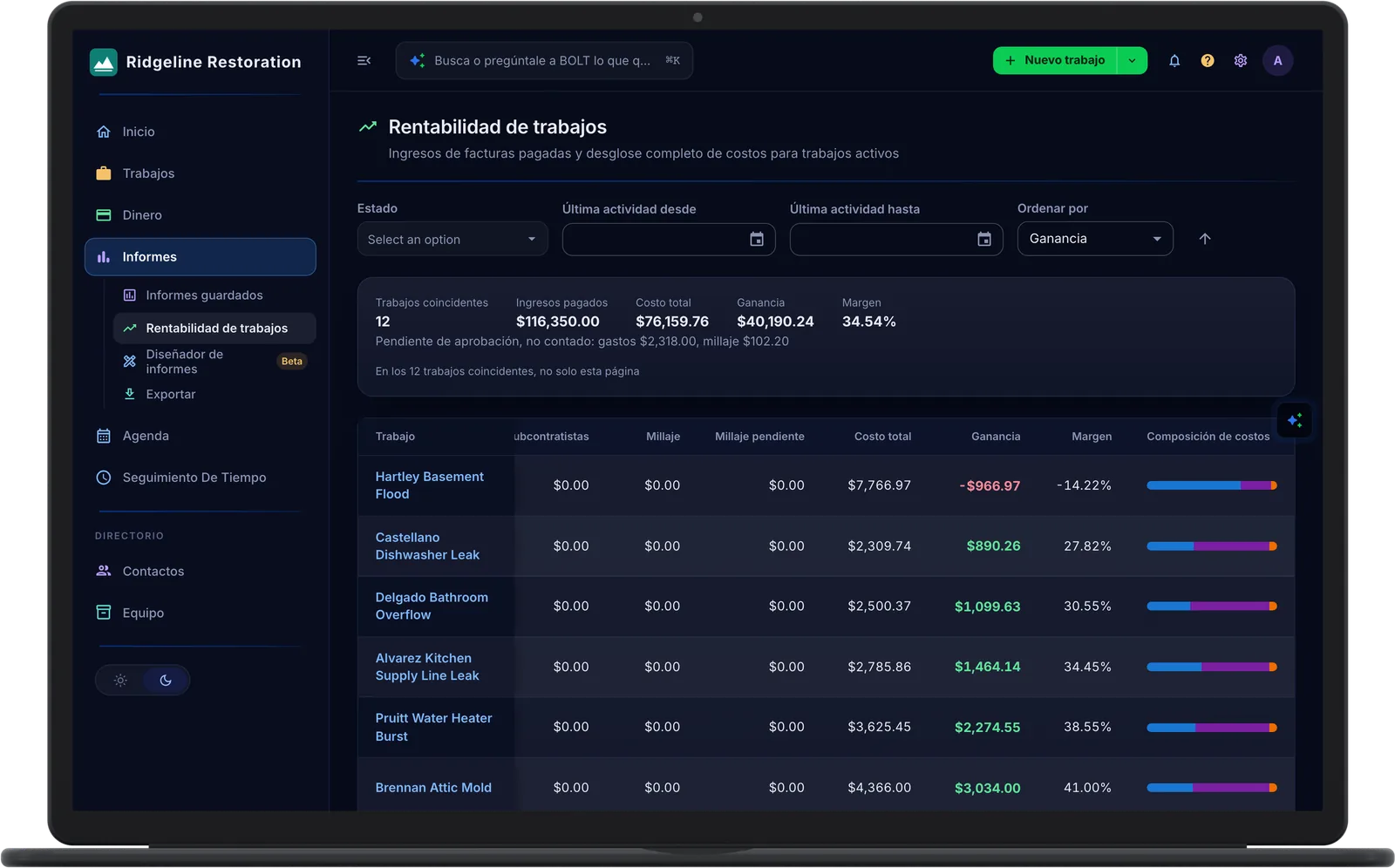
Job Profitability shows paid revenue, total cost, profit, and margin for each job, with totals across every matched job. A loss shows in red, so an over-budget job stands out.
- Job Profitability. Paid revenue against labor, materials, expenses, subs, and mileage.
- Totals Across Every Job. Paid revenue, total cost, profit, and margin for all matched jobs.
- Linked Jobs. Contract, revenue, cost, hours, and tasks roll up to a master job.
Labor From the Time Clock
Crews clock in on the phone at the job, and the hours land on that job as labor cost. The office sees total hours, the daily average, and typical clock times on every job.
- Phone Punch Clock. Clock in and out with the location stamped, with or without a signal.
- Hours as Labor Cost. Total hours, daily average, and typical clock times per job.
Only Approved Costs Count
Techs submit expenses with a receipt and log mileage trips, and a manager approves or rejects them. Approved costs post to the job, and anything waiting for approval is shown separately.
- Expenses with Receipts. Submitted from the field and reviewed from the phone.
- Mileage. Odometer trips or manual entries at your company rate.
- Vendors and Bills. Bills per job with material lines, from unbilled to open to paid.
- Sub-Contractor Work Orders. Work orders per sub with contract value, house margin, and a financial summary per job.
Who Sees the Money
Only admins and the roles you choose see amounts and margins. Everyone else records their time and costs without seeing what the job made.
- Money Visibility. Amounts and margins only for the roles you choose.
- Custom Roles. A permission matrix across more than 30 areas, with roles that add up.
Common Questions
From the time clock. Hours a tech clocks on a job land on that job as labor cost.
No. Only approved costs count. Expenses and mileage waiting for approval are shown separately until a manager approves them.
Yes. Job Profitability totals paid revenue, total cost, profit, and margin across every job that matches your filters.
See what every job really made.
See Pricing